What is an affiliate link? A normal product URL with a unique tracking ID attached to it, so that when someone clicks it and buys, the sale gets credited to you and you earn a commission. That's the whole idea in one sentence. The buyer pays exactly the same price they would have anyway, the merchant pays you a cut for sending the customer, and a small piece of code in the link makes sure the right creator gets credited. Here's what an affiliate link actually looks like, how the click-to-commission chain works step by step, and how creators turn these links into something people actually want to click.
What is an affiliate link?
An affiliate link is a trackable version of an ordinary web link. It points to the same product page anyone else would land on, but it carries an extra piece of information: an identifier that says this visitor came from me. When you join an affiliate program, whether that's Amazon Associates or a single brand's own scheme, you get assigned a unique ID, and every link you generate through that program has your ID baked in.
So the "affiliate" part isn't about the destination, it's about attribution. Two people can share a link to the exact same moisturizer, and the merchant can still tell which creator's recommendation led to which sale, because each creator's link carries a different tag. That's what makes it possible to pay creators for recommendations without anyone having to manually track who told whom about what.
What an affiliate link actually looks like
The easiest way to understand an affiliate link is to look at one next to a plain link.
A normal product link is just the address of the page:
https://www.example-shop.com/serum-vitamin-c
An affiliate link is that same address with a tracking parameter added to the end:
https://www.example-shop.com/serum-vitamin-c?tag=yourname-21
The anatomy: base URL plus your tracking ID
Everything before the ? is the ordinary product page. Everything from the ? onward is tracking data. The exact format varies by program: Amazon uses ?tag=, other networks use ?ref=, ?aff=, or a longer string of ID characters, and some use a shortened link that expands to the tracked URL behind the scenes. The label changes, the job doesn't: that trailing chunk is how the merchant knows the click belongs to you.
This is also why you should always generate a fresh link from the program dashboard rather than copying the address bar off a product page. A URL without your tag in it is just a normal link. It'll send someone to the right product, but the sale won't be attributed to anyone, so no commission is earned.
How an affiliate link works, step by step
Behind that one extra parameter is a short chain of events that runs every time someone taps your link:
- A follower clicks your affiliate link. Your unique ID travels with the click.
- The merchant's site sets a tracking cookie. This small file remembers that this visitor arrived through your link, and for how long that memory lasts depends on the program.
- The person browses and, maybe, buys. They don't have to buy the exact product you linked. With many programs, anything they purchase within the cookie window can count.
- The sale is attributed to you. The merchant matches the purchase against your ID and records a commission in your account.
The cookie window is the part that trips people up. With Amazon Associates, for example, the click opens a 24-hour window, and if the buyer adds an item to their cart within that time, the credit on that cart item is held for around 90 days (Amazon's help page). Other programs run anywhere from a single day to 30 days or more. Always check the specific program, and treat any flat "you earn on everything they buy" claim with suspicion, because the window and the rules are what actually decide it. Verify the current terms on the program's own help pages, since they change.
Does an affiliate link cost the buyer anything?
No. This is the single most important thing to understand, both for you and for the audience you're recommending to. The commission comes out of the merchant's margin, not the customer's pocket. The person who buys through your link pays the same price they'd pay if they'd found the product on their own. Nothing is added, no surcharge, no markup.
That's worth saying plainly to your audience, because a lot of people assume affiliate links quietly cost them more. They don't. And it's also why a Spotilink recommendation card deliberately shows no price: the card's job is to give someone a reason to click through to the merchant, where they'll see the real, current price for themselves, not to act as a mini storefront.
How to get your own affiliate link
Getting your first affiliate link is quicker than most people expect:
- Join a program. The most common starting point is Amazon Associates, which is free to join. Many individual brands also run their own programs, often managed through a network. Approval can be instant or take a few days.
- Generate a link for a specific product. Inside the dashboard, find the product and use the program's link tool to create your tracked URL. This is the step that attaches your ID (on Amazon, here is how to create an Amazon affiliate link).
- Copy the tracked link, not the address bar. Only the dashboard-generated link carries your tag.
How to tell if a link is already an affiliate link
If you want to check whether a link someone shared, or one you generated, is actually an affiliate link, look at the URL. A tracking parameter after the product address, ?tag=, ?ref=, or a trailing ID string, is the giveaway. On desktop you can hover over a link to preview the full URL before clicking; on mobile, press and hold. If there's no parameter, it's a plain link and no one is earning from it.
Affiliate link vs referral link vs promo code
Three things get called "my link" and they pay you in different ways. An affiliate link pays a commission from the merchant when a buyer purchases inside the program's cookie window. A referral link is usually a customer scheme run by the product itself: anyone with an account can share one, and the reward (a credit, a free period, a discount) often goes to both sides when the referred person signs up or places a first order. A promo code is a discount for the buyer at checkout; it pays you only when the brand ties that code to you, in which case it works as attribution without a link, which is why creators say it out loud in videos where nothing can be clicked.
| Who pays you | When | What it looks like | |
|---|---|---|---|
| Affiliate link | The merchant or network, a commission on the sale | When a buyer purchases inside the cookie window | A product URL with your tracking ID: ?tag=yourname-21 |
| Referral link | The product itself, usually a credit or a free period, often for both sides | When the person you referred signs up or places a first order | A short invite URL: app.com/r/yourname |
| Promo code | The brand, but only if the code is tracked to you | When the code is used at checkout | A word typed at checkout: HELENA10 |
In practice a creator stacks them: the affiliate link does the tracking, the promo code gives the audience a reason to buy now, and the referral link covers a product that runs no affiliate program.
How creators actually use affiliate links
Here's where most advice stops too early. Having an affiliate link is easy. Getting people to click it is the real work, and this is where the format of how you present the link matters more than the link itself.
Why a bare list of links converts poorly
A wall of raw affiliate links, "my serum," "code SEPHORA," "my Amazon storefront," gives a visitor no reason to tap any single one. There's no photo, no context, no sense of why you recommend it. People scroll past because clicking feels like a gamble. And a link that never gets clicked can't earn a commission no matter how good the underlying product or how generous the program.
Turn each link into a visual product card
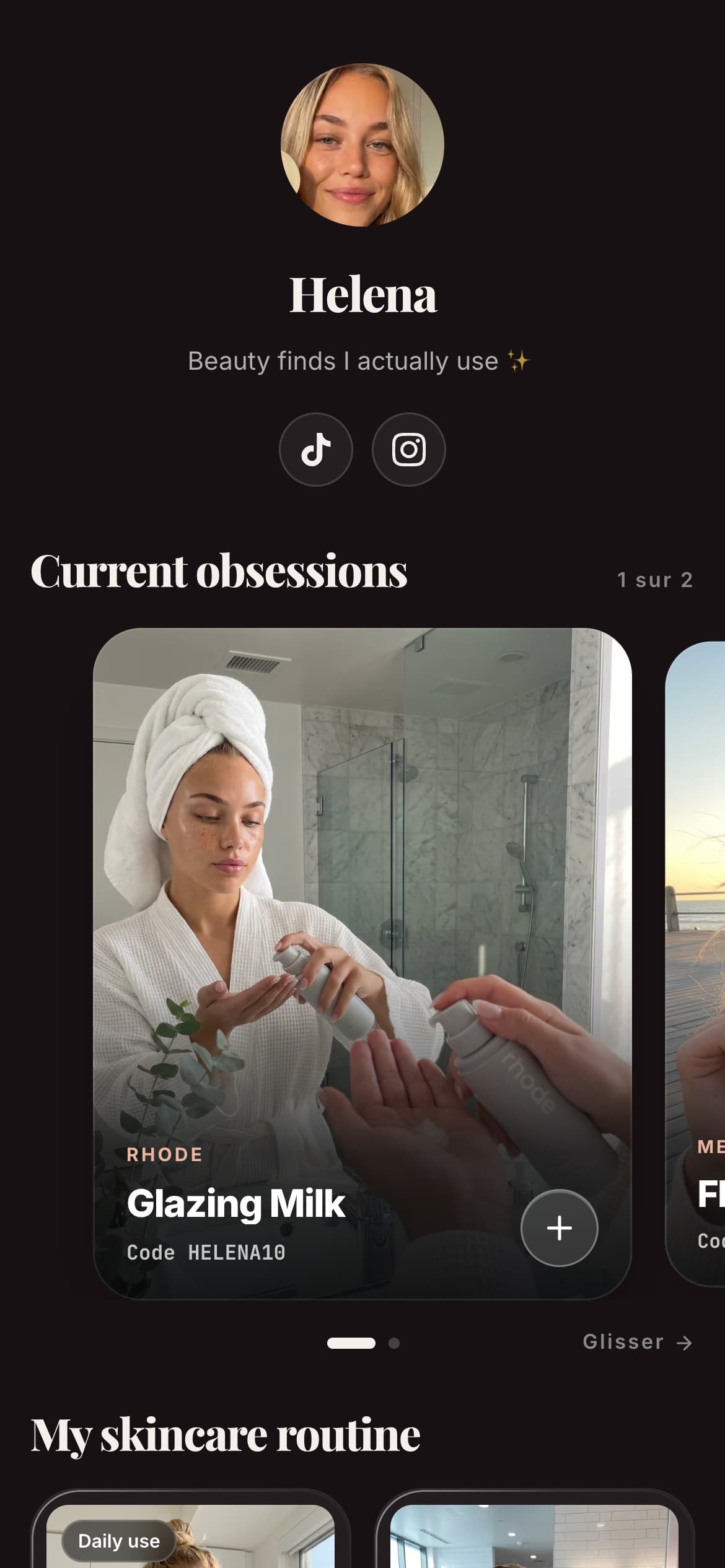
The fix is to wrap each affiliate link in something worth clicking. On Spotilink, that unit is a hand-made recommendation card: your own photo of the product, a line in your own words about why you actually use it, a promo code, and your affiliate link behind a clear "Learn more" button.
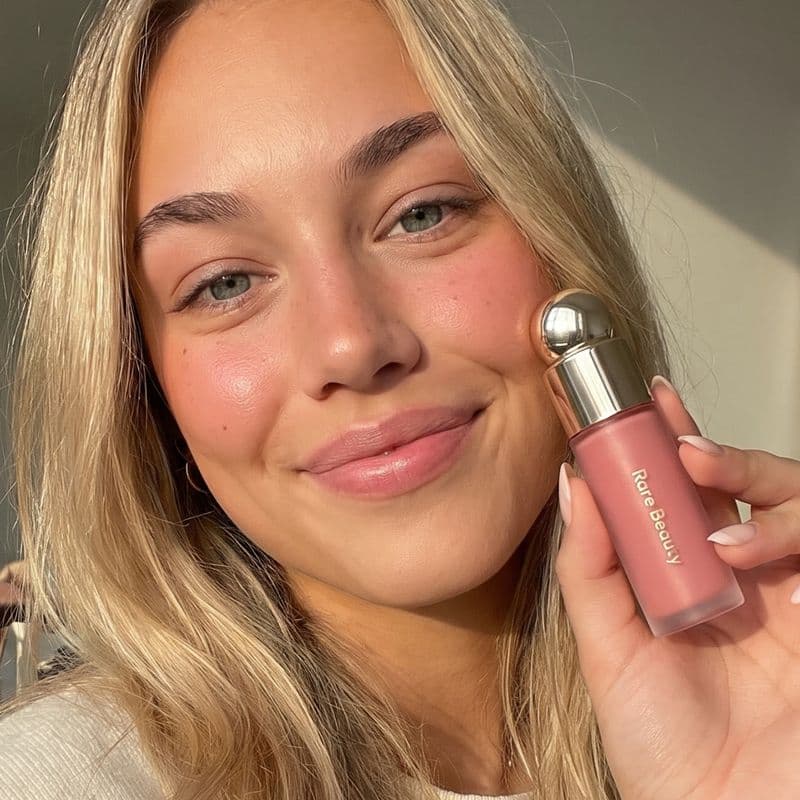 -10%
-10%Aesop
Fabulous Face Serum
“The one serum I've repurchased three times. A little goes a long way.”
On Spotilink, every card you build sits behind your one free link in bio page, and each one counts its own clicks so you can see which recommendations your audience actually taps. Spotilink shows clicks, never sales or a euro figure, and takes 0% of your affiliate commission on either plan. The free plan includes up to 10 cards and a custom URL.
Disclosure: staying honest and compliant
Because affiliate links earn you money, you're expected to tell your audience about them. FTC-style guidance (and equivalent rules in other countries) asks creators to clearly disclose when a link is an affiliate link, with plain wording like "this post contains affiliate links" or a visible tag, not buried in a wall of hashtags. It's not just a legal formality: audiences trust creators who are upfront, and trust is what makes a recommendation convert in the first place. The simplest rule of thumb is to recommend only things you'd genuinely stand behind, and to say clearly that you earn a commission when someone buys through you.
Affiliate links vs. giving up a slice of your earnings
Not every tool treats your affiliate income the same way. The commission a merchant pays you is separate from any fee a platform might take, and that difference adds up over time.
| Tool | Fee on your affiliate commission | Product cards with no price | Custom URL on free |
|---|---|---|---|
| SpotilinkOur tool | 0% (you keep 100%) | Yes, hand-made | Yes, creator-chosen slug |
| Generic link-in-bio tools | 0% on plain affiliate links; a built-in checkout is a separate thing (on Linktree, paid selling needs Pro or Premium) | Varies | Usually a slug under the tool's domain |
To be clear and fair: with most link-in-bio tools, plain external affiliate links pass through untouched, no one skims your Amazon commission. Plan limits and fees on a tool's own built-in checkout are a different thing from a normal affiliate link: on Linktree, for example, its pricing page allows only free digital products and courses on Free and Starter, and "set any price, 0% Linktree fees" on Pro and Premium, with transaction and processing fees that may apply (October 2026). Spotilink simply doesn't have a store to take a cut of: it's card-first, the cards drive clicks to the merchant, and your affiliate commission is entirely yours. The one honest trade-off: if you want to sell your own digital products with a checkout, Spotilink isn't that tool, it's built for affiliate recommendations.
How much can an affiliate link actually earn?
There's no fixed answer, and anyone promising you a number is guessing. What a single affiliate link earns depends on three things you can partly control and one you can't. The commission rate is set by the program and varies by category: on Amazon Associates, for instance, luxury beauty sits near the top of the grid while grocery and electronics are much lower, and rates depend on the category, not on your sales volume. The price of what people buy matters too, since most commissions are a percentage. And whether the buyer completes the purchase inside the program's cookie window decides whether the click converts at all.
The one lever that's genuinely yours is the number of qualified clicks you send to the merchant. This is the honest way to think about affiliate income: you don't control the rate or the checkout, but you do control how many interested people tap through. That's also why Spotilink measures clicks rather than promising a euro figure, the click is the part of the chain you can actually influence and improve week to week. Always check the current commission grid in your program's own dashboard rather than trusting a rate quoted in an article, including this one.
In short
An affiliate link is just a product URL carrying your unique tracking ID, so a merchant can credit you a commission when someone buys through it, at zero extra cost to the buyer. The mechanics are simple: click, cookie, purchase, attribution. The hard part is earning the click, which is why smart creators stop pasting bare links and start presenting each one as a recommendation card. If you want the bigger picture of how this all fits together, read our affiliate marketing guide for creators, and once you're placing links, here's how to track which of your cards actually get clicked.