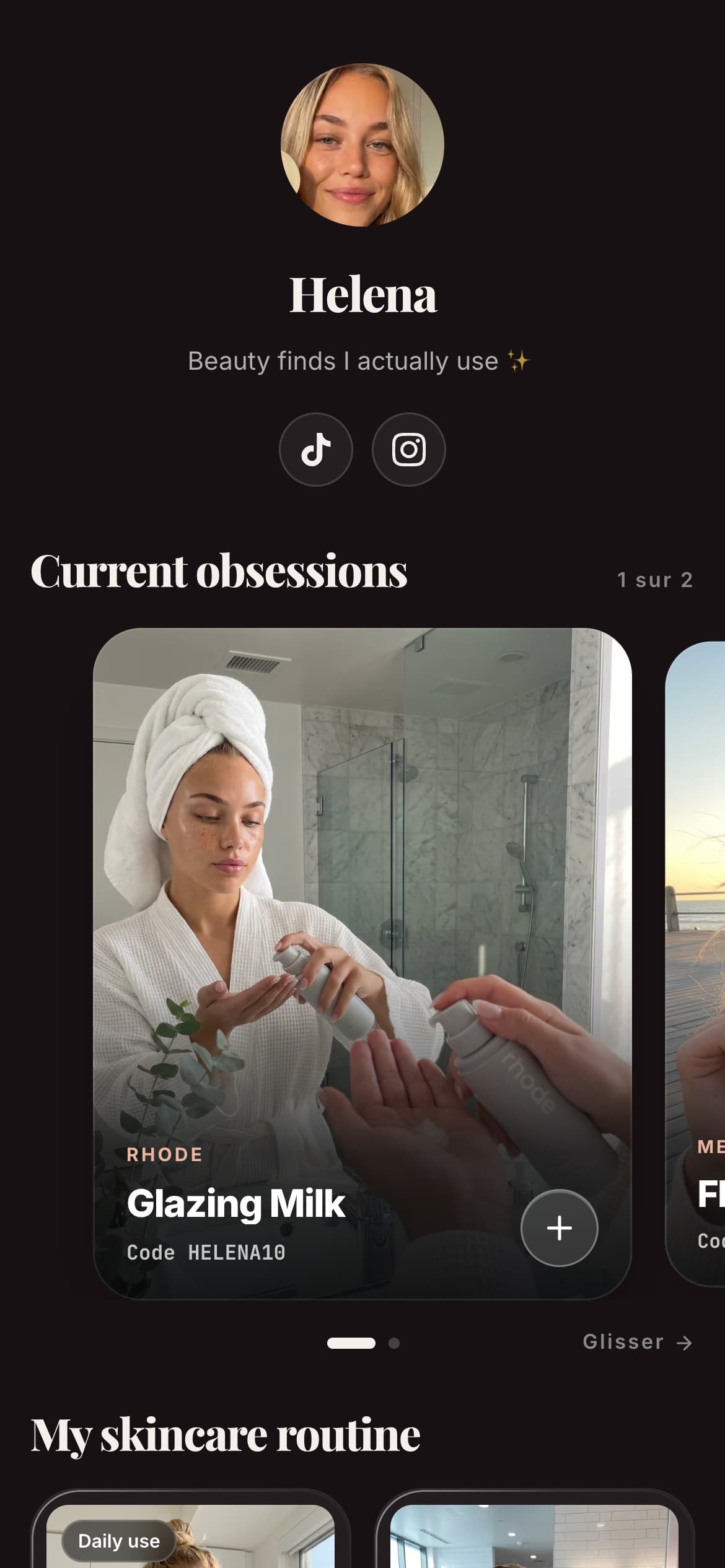
There's no magic Amazon affiliate link generator that turns any Amazon URL into a link that pays you. A real Amazon affiliate link has to carry your own tracking tag, and only your approved Associates account can add it. So when creators search for an "Amazon affiliate link generator", the honest answer is: the generator is Amazon's own free tool, SiteStripe, plus a simple manual method you can do by hand. This guide shows both, what a valid link actually looks like, how long it tracks, and where those links convert once you have them.
Why a third-party "generator" cannot work
It is worth being clear about this up front, because it saves you from wasting time on tools that cannot pay you. An Amazon affiliate link is not a special kind of URL that some clever website conjures up. It is a normal product link with your unique Associate tag stapled to the end. That tag (something like yourname-20) is what tells Amazon which account to credit for a sale.
A random third-party generator has no way to insert your tag, because it does not have your account. At best it can build the same URL you could build yourself; at worst it inserts its own tag and quietly pockets your commissions. That is why the only trustworthy "generators" are the ones tied to your own login: Amazon's SiteStripe, and the manual method below. Both are free.
What an Amazon affiliate link looks like
Every Amazon affiliate link is built from two parts:
- The product link: the ordinary Amazon URL for the item, ideally trimmed to its clean form (the part up to and including the product ID,
/dp/PRODUCTID). - Your tracking tag: a
tag=parameter carrying your Associate ID, for example?tag=yourname-20.
Put together, a simple affiliate link reads like https://www.amazon.com/dp/PRODUCTID?tag=yourname-20. Everything after the product ID that is not your tag is optional. The one part you can never drop is the tag: without it the link still opens the product, but no sale is ever credited to you. If you remember nothing else, remember that the tag is the link.
How to generate your Amazon affiliate link with SiteStripe
SiteStripe is the official, free tool, and it is the fastest way. Once you are an approved Associate and signed in, a toolbar appears at the very top of every Amazon page:
- Sign in to Amazon with your Associates account, on the same store (amazon.com, amazon.fr, and so on) you were approved for.
- Open the product page you want to recommend. The SiteStripe bar shows Text, Image and Text+Image options.
- Click Get Link and pick Text for a plain affiliate link. SiteStripe returns a URL that already carries your tag.
- Copy it, or shorten it to a tidy
amzn.tolink. Both track identically; the short one is just cleaner to share. - Place it on a recommendation card rather than pasting it raw (more on that below).
On your phone, the same feature lives inside the Amazon Shopping app: once you are signed in as an Associate, the app exposes a "Get link" share option on product pages, so you can generate links without a laptop.
Text link, image link or text-and-image: which to use
SiteStripe offers three link types, and the choice matters more than it looks. The text link is a plain URL carrying your tag: it is the flexible one, the one you can drop into a card, a caption or a bio page, and the one this guide uses throughout. The image link embeds a product photo that links through, and the text-and-image combines both, but these are built for blog posts and websites, not for a link-in-bio page or a social caption where a raw embed will not render.
There is a second reason to default to the text link: Amazon has changed which link types SiteStripe offers over time and by store, so an image-based link is more likely to be affected by those changes than a plain URL. Check what your dashboard currently shows, but as a rule a text link is the safe, portable choice. So unless you are publishing on a website you fully control, take the text link every time, then wrap it in your own photo through a recommendation card, which converts better anyway.
The manual method: add your tag by hand
You do not strictly need SiteStripe. If you know your Associate tag, you can build a link yourself:
- Copy the product URL and trim it to the clean
/dp/PRODUCTIDform. - Add
?tag=yourID-20to the end (use your real Associate ID).
That is the entire "generator". This is useful when you are on a device where SiteStripe is not handy, or when you want to double-check that a link SiteStripe gave you actually carries your tag. Always test a link you built by hand: open it, and confirm your tag survives in the address bar, because some sharing steps strip parameters.
Before you can generate anything: joining Associates
None of this works until you are approved. If you have not joined yet, signing up is free and open to creators without a website: an active Instagram, TikTok or link-in-bio page counts as your platform. Two rules are worth knowing going in. First, approval is conditional: Amazon typically expects you to make a few qualifying sales (on the order of 3) within roughly 180 days of signing up, or the account can be closed (you can re-apply; see Amazon's help page). Second, commissions depend on the product category, not on your volume: Amazon's US rate table runs from 10% on Luxury Beauty down to low single digits on electronics and 0% on a few categories, so always check the official rate grid in your dashboard. The full walkthrough is in our guide on how to become an Amazon affiliate, and if the whole concept is new, start with what an affiliate link actually is.
How long your link tracks a sale
A common misconception is that an Amazon affiliate link earns you commission on everything a person buys forever. It does not. A click opens a 24-hour window (Amazon's help page): qualifying purchases during that window are credited to you. There is one useful nuance most guides drop: if the person adds an item to their cart within those 24 hours, the credit for that carted item is held for roughly 90 days. So the click starts a one-day clock, extended to about 90 days only for things already in the cart. These terms can vary by store and change over time, so treat the numbers as current-as-of-now and check Amazon's own terms.
Where your Amazon links actually convert
Generating the link is the easy half. The hard half is earning the click, and this is where most creators quietly lose money. Instagram's profile holds up to 5 links (Edit profile > Links), but they show as plain URLs, with no image or description, and TikTok gives you a single bio link. Paste a raw amzn.to link there and you can only ever promote one product, with zero context and a URL that looks like spam.
The fix is to stop sharing bare links and start presenting each one as a recommendation, the habit that Instagram affiliate marketing is built on:
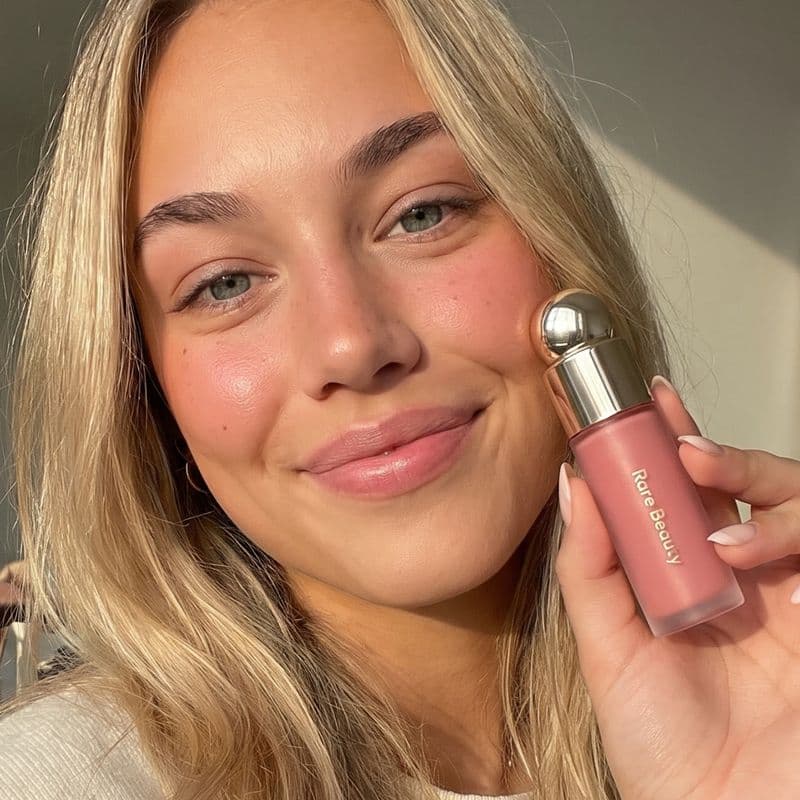 -15%
-15%Aesop
Resurrection Hand Wash
“The one I keep by every sink, a little goes a long way.”
A card gives a follower your photo and your words before they leave, which is what turns a scroll into a click. On Spotilink, every Amazon link becomes a hand-made card like this, they all live behind your single bio link, the stats you see are clicks so you know which products actually pull, and there is 0% commission on your affiliate earnings because Spotilink is not a store taking a cut. The free plan includes the custom URL and keeps a small "Made with Spotilink" watermark. If you want to see which of your cards get tapped, our guide on affiliate link tracking covers exactly that, and if you sell physical products at scale, the Amazon Influencer Program storefront is worth a look too. Ready to place your links? Build your recommendations page.
Mistakes that break your affiliate link
A generated link is easy to break. Watch for these:
- A missing tag. Copying a product URL from your browser instead of from SiteStripe gives you a link with no
tag=, so it tracks nothing. Always confirm your tag is in the final link. - The wrong store. A tag from amazon.com does not earn on amazon.fr. Generate links on the same store you were approved for, and match your audience's country.
- Linking to a search or list page with nothing around it. Amazon's Participation Requirements treat search results, events (such as Prime Day) and department homepages as "Product lists", and say that when you link to them you must have additional original content on your Site. A clean product page is the simpler choice.
- Cloaking or disguising the link. The same requirements say you will not cloak, hide or obscure the URL of your Site containing Special Links, nor use a link shortener in a way that makes the destination unclear. A clear recommendation card is fine, a deceptive redirect is not.
- Never testing. Open your finished link and check it lands on the right product with your tag intact, before you put it in front of your audience.
When a perfectly tagged link still earns nothing
Even with your tag intact, some clicks will never turn into commission. These cases come straight from Amazon's own US rules (the 24-hour window help page, the Application Review Process and the exclusions in Section 2 of the Commission Income Statement, inside the Program Policies), as read on October 28, 2026. Other Amazon stores publish their own versions, so check yours.
- The window closed. Purchases after the 24-hour window are not credited, and the window also closes as soon as the customer submits an order or comes back to Amazon through another Associate's link. Only items already in the cart keep counting, until the cart expires (Amazon says "usually after 90 days").
- Your own orders. Amazon's review page states that personal orders do not qualify, and the requirements forbid buying products through your own Special Links.
- The order was cancelled, returned or refunded. An order where a cancellation, return or refund has been initiated is disqualified, and a commission is only credited once the customer has bought the item, accepted delivery and paid in full.
- The click came from a search engine or a paid ad. Purchases referred by a link generated or displayed on a search engine, or by ads you bought on keywords containing "amazon" or another Amazon mark, are excluded.
- An automatic redirect sent them. A link that sends users to Amazon through an intermediate site without requiring them to click anything there is a "Redirecting Link", and its purchases are excluded. A page where the visitor taps your card is a deliberate click; an auto-forwarding page is not.
- Subscriptions and some pre-orders. Products bought as a subscription (unless the agreement says otherwise) and pre-release or pre-order products not available on a product listing page are excluded.
- The link left the screen. You may not use Special Links in printed material, ebooks, mailings or spoken solicitation. Emails, SMS and direct messages from your social accounts are allowed only when the person opted in to receive them.
The only Amazon affiliate link that pays you is one carrying your tag, from SiteStripe or built by hand. Generating it is quick; the money is in the click. Turn each link into a card with your photo and your take, keep them all behind one bio link, and see which ones convert, with 0% commission on your affiliate earnings.