"Affiliate link tracking" gets used for two different things, and mixing them up wastes a creator's time. One is sale-attribution software that tells a brand or network which affiliate drove a purchase. The other is click tracking on your own bio link, seeing which of your recommendations your audience actually taps. As a creator, the second one is almost always what you need first. Here's the real difference, how affiliate networks track sales behind the scenes, and how to get click tracking on your own recommendations without paying for anything.
"Affiliate link tracking" means two different things
Search for the phrase and you'll land on two very different categories of tool. The first is sale-attribution software: dashboards built for brands, agencies or larger affiliates to reconcile which link drove which sale across dozens of partners and networks. The second is click tracking on a link-in-bio page: a much simpler layer that tells you, the creator, which of your product cards people are actually tapping.
They solve different problems for different people. A brand running an affiliate program needs to know who to pay and how much. A creator posting three product recommendations a week mostly needs to know: did anyone click the serum, or did everyone scroll past it? That second question doesn't require sale-attribution software, and treating it like it does is how creators end up paying for tools built for someone else's job.
Sale-attribution software vs. link-in-bio click stats
Both categories genuinely track something, they just track different layers of the funnel and were built for different users.
| Who it's for | What it measures | Cost | Data owner | |
|---|---|---|---|---|
| Spotilink (bio-link clicks)Our tool | Individual creators | Taps per product card on your bio page | Free, click stats included | You |
| Sale-attribution software | Brands, agencies, larger affiliates | Which link led to a completed sale | Usually a paid subscription | The brand or agency running the program |
This isn't a Spotilink-vs-competitor comparison, it's the two categories laid side by side so you can see which one actually answers your question. If your job is running a multi-affiliate program for a brand, you want the second row. If your job is recommending products to your own audience, you want the first.
How affiliate networks track sales
It helps to know what's happening on the other side of the link, even though you don't control it. When you generate an affiliate link from Amazon Associates or a network like ShareASale, CJ or Impact, that link carries a tracking parameter, an ID unique to you, embedded in the URL. When someone clicks it, the merchant's site drops a cookie that remembers your ID for a set window, sometimes 24 hours, sometimes 30 days depending on the program. If that person buys within the window, the sale gets attributed to you and the commission lands in your account.
Why the merchant or network owns that data, not you
This is the part that surprises new affiliates: you never see the raw sale data yourself. The merchant knows who bought what and when; the network reconciles that against your link ID and reports you a commission total. You get a payout number, not a customer list, not even which specific click led to which specific sale if someone clicked a link, left, and came back later through a different path. That's normal, and it's also exactly why click tracking on your own end matters: it's the one piece of the funnel you actually get to see in real time, before the sale even happens.
What creators actually need: click tracking on their bio cards
Here's the practical layer that's missing from the sale-attribution picture: which of your recommendations are people even interested in? A commission report tells you what sold weeks after the fact, once the cookie window has closed and the payout has processed. Click stats on your bio page tell you today whether your latest skincare pick is getting tapped or getting ignored, so you can adjust before you've spent another week promoting the wrong product.
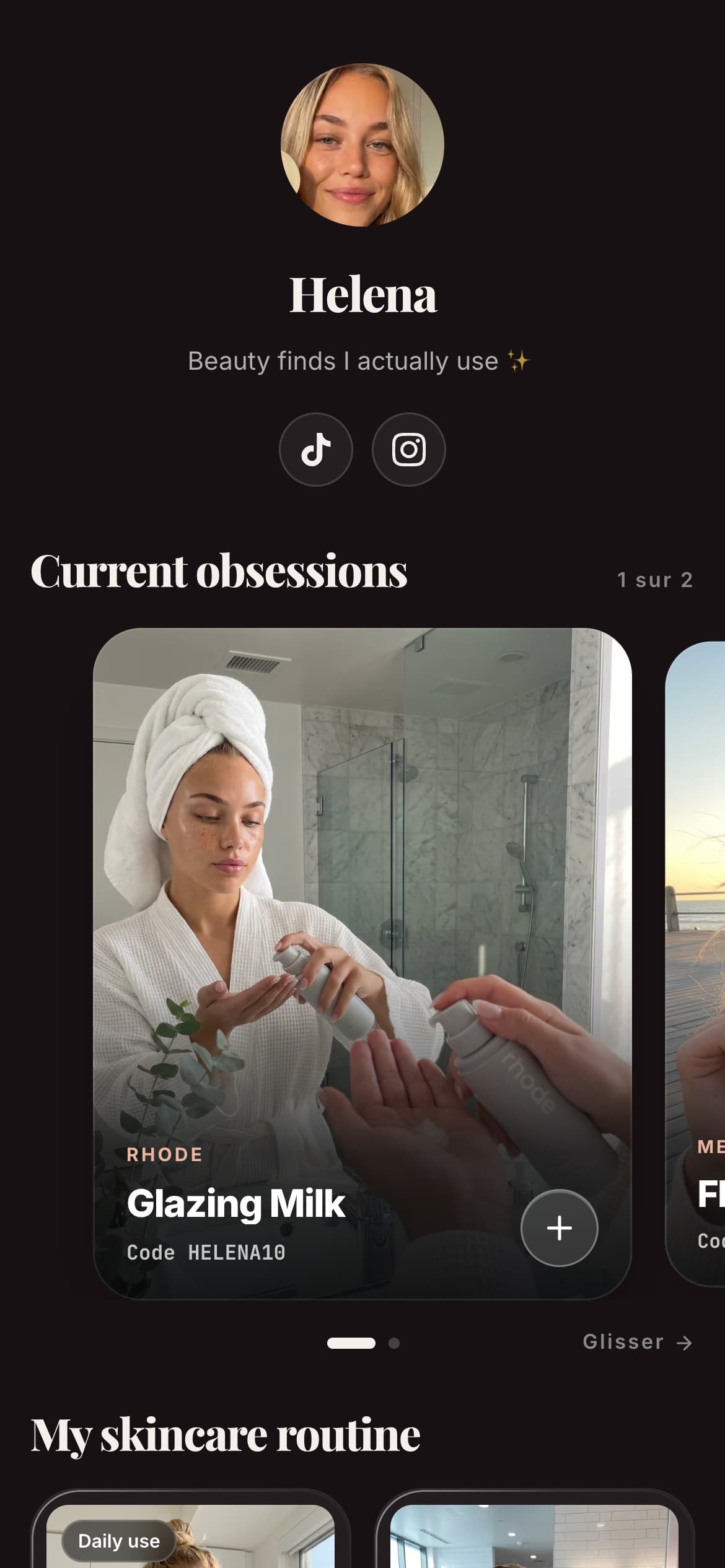
On Spotilink, every product card you publish gets its own click count automatically, no setup, no tracking parameters to manage by hand. You build the card once, your photo, your take, your promo code, your affiliate link, and the dashboard shows you exactly how many taps it earned. Spotilink counts clicks, never sales or a euro figure, and takes 0% of your affiliate commission.
Why Instagram's own insights aren't enough
If you do instagram affiliate marketing, you already have some numbers: Instagram Insights shows how many people tapped the single link in your bio, in aggregate. That's a real number, but it answers the wrong question for a creator who recommends more than one product. If your bio link points straight to one affiliate link, you only ever see one lump total, and if it points to a page listing several products, native Insights still can't tell you which specific product on that page got the taps. And the "who" is off the table everywhere: Instagram never tells you who clicked, only how many.
That gap is exactly what a per-card click count fixes. Instead of one aggregate number for your whole bio link, you see, say, 40 taps on the moisturizer card and 6 on the sunscreen card this week, which tells you something Instagram's own analytics never will: which of your actual recommendations are landing with your audience, and which ones need a better photo, a stronger promo code, or to be dropped from your page altogether.
A quick example: two creators, same 10 products
Picture two creators who each recommend the same 10 beauty products. The first posts each affiliate link directly in Stories and captions, then checks Instagram Insights: one aggregate tap count for the week, no way to tell which product drove it. The second builds 10 cards on a link-in-bio page, one photo and one honest line per product, and checks per-card stats instead.
By week three, the second creator knows their eye cream card gets triple the taps of anything else on the page, so they lean into more content around that product and quietly retire two cards that never get clicked. The first creator has the same underlying audience behavior happening, they just can't see it, so every product keeps getting equal attention regardless of what's actually converting.
How to track affiliate links from your bio in minutes
Getting click stats on your recommendations doesn't require choosing between paid software and guessing:
- Build a card for each product you recommend: your own photo, an honest line on why you use it, a click-to-copy promo code, and your affiliate link, deliberately with no price shown, so the card's whole job is earning a qualified click to the merchant.
- Group your cards into sections so your audience can find their way, latest picks, your everyday essentials, whatever fits how you actually recommend things.
- Put your page's single address in your bio, then check your dashboard whenever you want to see per-card taps, no separate analytics tool to configure.

Helena
Beauty & Lifestyle
My favourite
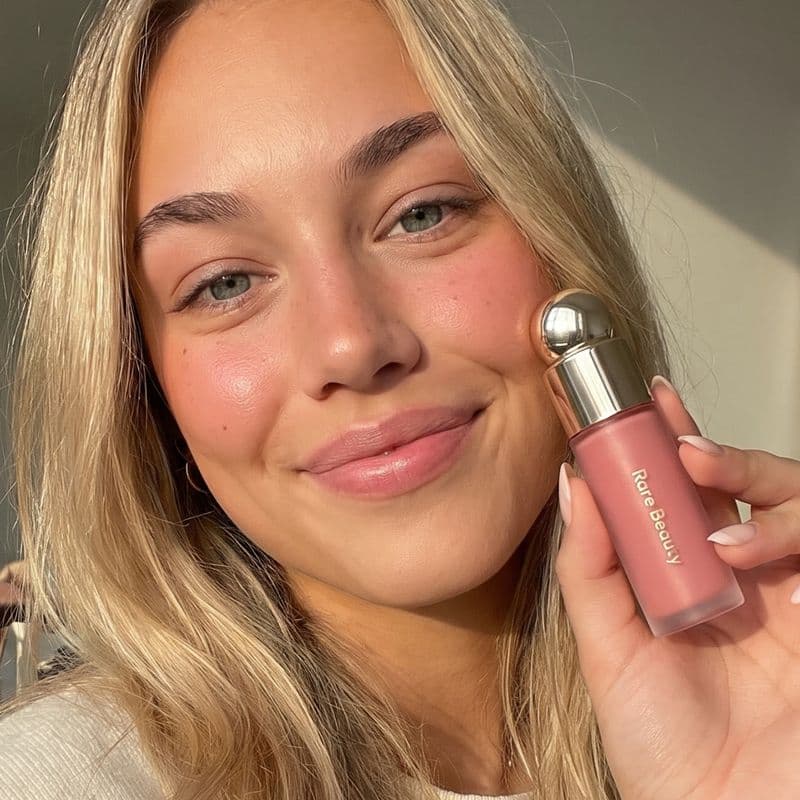
Rare Beauty
Soft Pinch Blush
« My holy grail »
My skincare routine

Hella
Grapefruit

Aesop
Mandarin
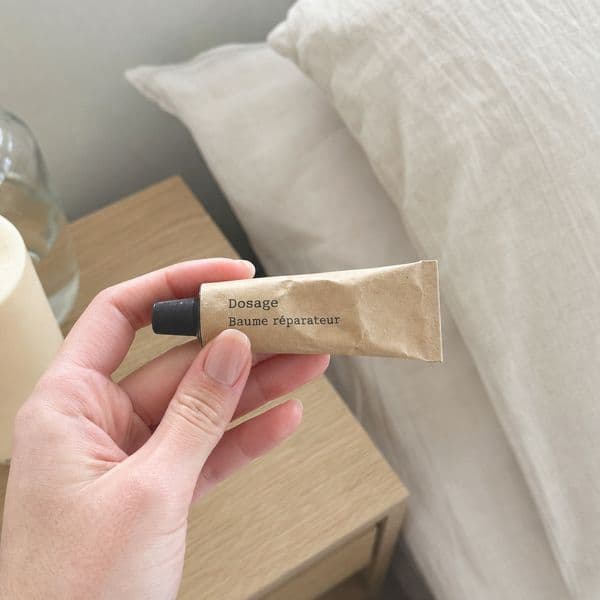
Dosage
Coffee
My essentials


Poll
Your skincare routine?
Free vs. paid: what should a creator pay for
Basic click tracking, how many taps each card got, shouldn't cost anything, and on Spotilink it doesn't: the free plan includes click stats on up to 10 cards, along with a custom URL, no card required. What's worth paying for is going deeper once you have real traffic to analyze: click-through rate by card, conversion trends over time, and monthly growth, the kind of data that helps you decide what to promote next rather than just what already happened. That's what the Creator plan (see the pricing) unlocks, on top of unlimited cards and no watermark.
What you should be wary of paying for, at least early on, is full sale-attribution software built for agencies managing dozens of affiliates across multiple brands. If you're one creator publishing your own recommendations, that tier of tool tracks a layer of data you don't own and can't act on directly. Start with free click stats on your own bio page, see which of your recommendations actually convert attention into taps, and only look at heavier tracking software if you eventually manage affiliate relationships at a scale where reconciling sales across partners becomes your own job.
Habits that make your tracking data actually useful
Having click stats doesn't help much if you never look at them, or look at the wrong thing. A few habits separate creators who use their data from creators who just collect it:
- Check per-card stats weekly, not just once. A single snapshot tells you what happened; watching the trend tells you whether a product is picking up or fading, so you can act before the moment's gone.
- Compare cards against each other, not against an abstract goal. The useful question isn't "is 40 clicks good?", it's "why does this card get 40 and that one gets 4, with the same audience seeing both?"
- Always generate a fresh tracked link from the program dashboard rather than reusing an old one or copying a plain product URL. An untracked link, even a correct one, can't be attributed to you at all, no clicks counted, no commission earned.
- Give a product a fair run before dropping it. One slow week isn't a verdict. A card that's consistently ignored after a few posting cycles, across different captions and posting times, is the one worth retiring.
In short
"Affiliate link tracking" splits into two jobs: sale attribution, which belongs to the brand or network paying you, and click tracking, which is the layer you actually control and can act on today. You don't need paid software to know whether your audience is tapping your recommendations, a link-in-bio page with click stats built in already answers that, for free. For the fundamentals of how affiliate links, cookies and commissions work before you start tracking anything, see our affiliate marketing guide for creators, and if you're specifically placing links on Instagram, here's exactly where they work.