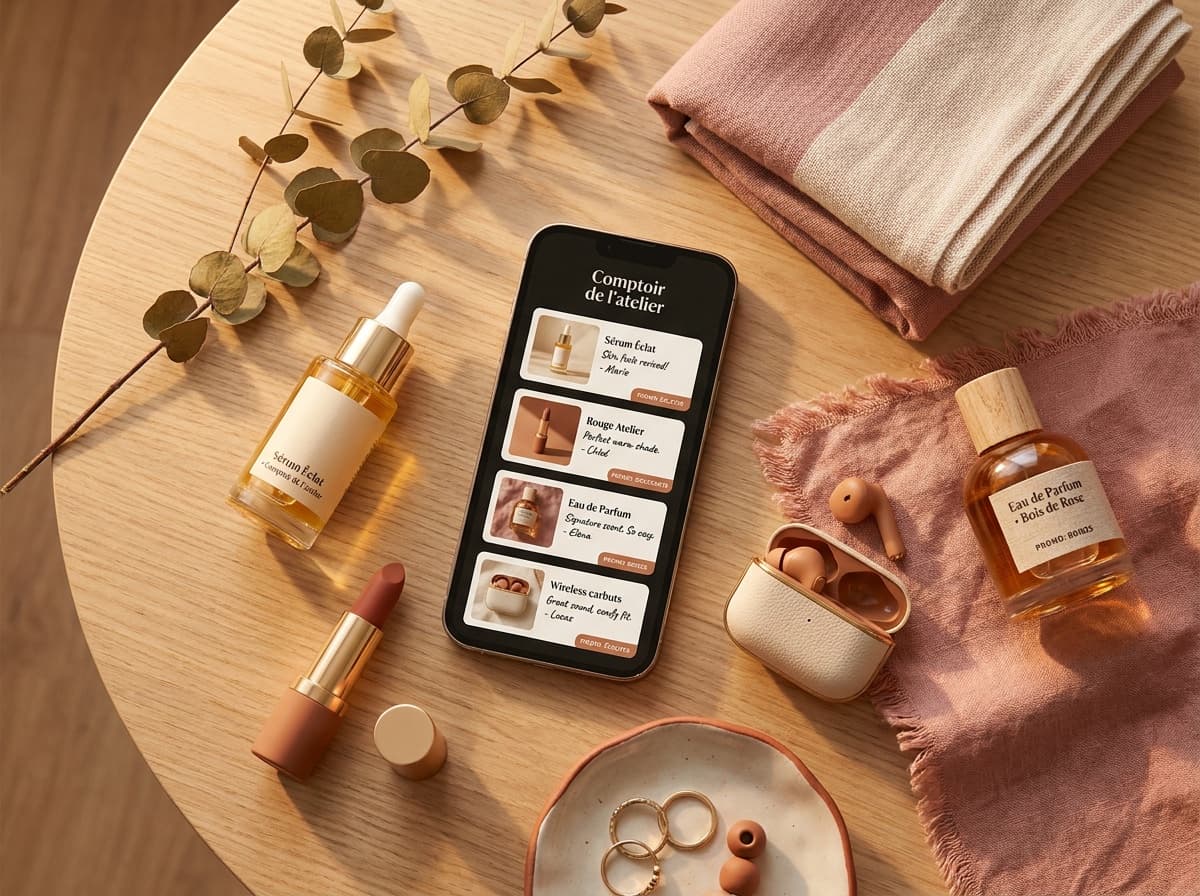
Short answer: no. Instagram never tells you who tapped the link in your bio, not their name, not their profile, nothing that identifies them. The same wall stands in the other direction: if you tap someone else's bio link, they are never told it was you. What a creator gets, with a business or creator account, is a single aggregate number: how many taps the bio link received. Here's exactly what Instagram's own Insights show, what happens when you click someone else's link, and how to get a far more useful number, click counts per product, without ever seeing a name.
Short answer: no, Instagram never tells you who clicked
Whether you have 500 followers or 500,000, Instagram treats your bio-link clicks the same way: as a total, not a list. There's no setting, no paid tier, no hidden dashboard that surfaces individual identities. If a tool claims it can show you exactly who tapped your link, that claim is false: the platform doesn't expose that data to anyone.
What business and creator accounts do get is real, just aggregate: a count of how many times your bio link was tapped over a given period. Useful for a general sense of traffic, not for knowing which specific follower, or which specific product, drove that number.
If you click someone's bio link, will they know?
This is the same question from the other side, and the answer is just as clear: no. Instagram sends no notification when you tap a link in someone's bio. The account owner opens their Insights and sees a number, "142 taps this week", with nothing attached to it. Your username, your profile, the fact that you looked at all, none of it reaches them.
It holds beyond Instagram too. If the bio link leads to a Linktree, a Beacons page or any other link-in-bio tool, that tool reports counts per link to its owner, so they can see that a particular item was tapped forty times without knowing a single person behind those taps. Spotilink works the same way and counts clicks cookielessly, so there is no personal data about the visitor to reveal in the first place.
One thing worth not confusing it with: Story views are different. When you watch someone's Story, your name does appear in the viewer list they can open. Links are counted, Stories are named. If you're wondering whether a creator can tell you've been browsing their recommendations: they see interest in aggregate, never you specifically.
What Instagram Insights actually shows
It helps to separate what's genuinely visible from what never is, since the two get conflated constantly.
| Available to you | Example | |
|---|---|---|
| Aggregate bio-link taps | Yes, via Instagram Insights | "142 taps on your bio link this week" |
| Per-product click countsOur tool | Yes, via a link-in-bio tool like Spotilink | "38 taps on the moisturizer card, 12 on the serum card" |
| Individual clicker identity | No, never, on Instagram or any privacy-respecting tool | Not shown, by design |
The gap between the first two rows is where most creators get stuck. Insights shows one combined total for your single bio link, full stop. It has no concept of "this tap was for the skincare recommendation, that one was for the tech gadget", because as far as Instagram is concerned, your bio field holds a single clickable link. So if that link opens a page holding several products, you might see 320 taps this week with no way to know whether they went to your skincare pick or your camera recommendation. Seeing clicks broken down by product means the page behind that one link has to track its own cards.
One practical detail trips people up before they even get to that gap: bio-link tap counts only exist for professional accounts, Business or Creator, not personal ones. If you're on a personal account, Instagram doesn't show you a tap count at all, switching account type is free and is the first step, not a workaround, before any of this data becomes visible.
Why Instagram hides this
This isn't an oversight, it's a deliberate privacy boundary that runs across the platform, not just bio links. Instagram doesn't show you who viewed your profile at all, and doesn't show who tapped an outbound link. The pattern is consistent: your audience's individual browsing behavior stays private from you, the same way your own behavior stays private from accounts you visit. Exposing who clicked what would be a serious privacy breach, so the platform hands that data to nobody: not creators, not advertisers, not its own analytics surfaces.
There's also a practical reason tied to how the web works: once someone taps a link and leaves Instagram, they're on the open internet, not inside an environment Instagram controls. It can count that the tap happened before the person left, but it was never going to hand a follower's identity to whoever they clicked through to. The realistic goal, then, isn't who, it's how many, and which link. Both of those are fully trackable.
How to see how many people clicked
Getting a real click count, and eventually a per-link breakdown, comes down to a short setup:
- Switch to a business or creator account. This unlocks Insights and its aggregate bio-link tap count. It's free and works at any follower count.
- Point your bio link at a page that records clicks. Instead of linking straight to one destination, use a link-in-bio tool that counts every tap.
- Add UTM tags where it makes sense. If you also drive traffic to a website with Google Analytics, appending UTM parameters lets you separate Instagram visitors from everyone else.
- Read your dashboard. Your link-in-bio tool shows the totals, and if it tracks per link, which specific items are getting the taps.
For the full walkthrough on placing that link correctly on your profile in the first place, see how to add a link in bio on Instagram.
Best ways to track bio-link clicks
There's more than one way to count clicks, and they don't all answer the same question. Here's how the common methods compare.
| Method | What it shows | Per-product detail? | Cost |
|---|---|---|---|
| Spotilink (link-in-bio click stats)Our tool | Taps on your page and on each card | Yes, per card | Free, click stats included |
| Instagram Insights | Total taps on your one bio link | No, single total only | Free (business/creator account) |
| UTM tags + Google Analytics | Sessions from Instagram to a website you own | Only if you build separate links | Free, needs a site + setup |
| Short-link trackers | Clicks on each shortened link | Yes, per link you shorten | Free tiers vary, check current pricing |
Link-in-bio tools with click stats
This is the most direct fit for a creator. A link-in-bio page sits behind your one bio link and counts every tap, and the better ones count taps per item. That turns a single mystery number into a readable list: 40 taps on the moisturizer, 6 on the sunscreen.
UTM tags plus Google Analytics
If you send traffic to a website you own, UTM parameters (small tags appended to a URL) let Google Analytics attribute visits to Instagram specifically. It's powerful but heavier: it only measures traffic that reaches your own site, and it takes setup. For most creators recommending products elsewhere, it's a complement, not the main tool.
Short-link trackers
A URL shortener that reports click counts is a lightweight option if you only have one or two links. Each shortened link gets its own tally. The limitation is that managing lots of individual short links by hand gets messy fast, which is exactly the problem a link-in-bio page solves in one place.
See clicks per product, not just per page
Here's the upgrade that matters most. A single page total tells you traffic is happening. A per-product count tells you what's working. Knowing that someone clicked your moisturizer recommendation tells you nothing actionable about who they are. Knowing that the moisturizer card gets triple the taps of your sunscreen card tells you exactly what to keep recommending.
On Spotilink, your bio link points to a page of hand-made recommendation cards, and each card counts its own clicks automatically. You build the card once, your own photo, your honest take, a promo code, and your affiliate link, and the dashboard shows exactly how many taps it earned. No UTM strings to manage, no separate analytics tool to configure.
Picture the difference over a single week. With Instagram Insights alone, you'd learn your bio link got 300 taps and nothing more. With per-card stats, you'd learn that 180 went to one moisturizer card, 90 to a hair tool, and barely 30 spread across five other products. Same traffic, read two completely different ways, and only the second tells you what to post more of. Reading those counts weekly is what turns them into a decision: a snapshot tells you what happened, the trend tells you whether a product is picking up or fading.

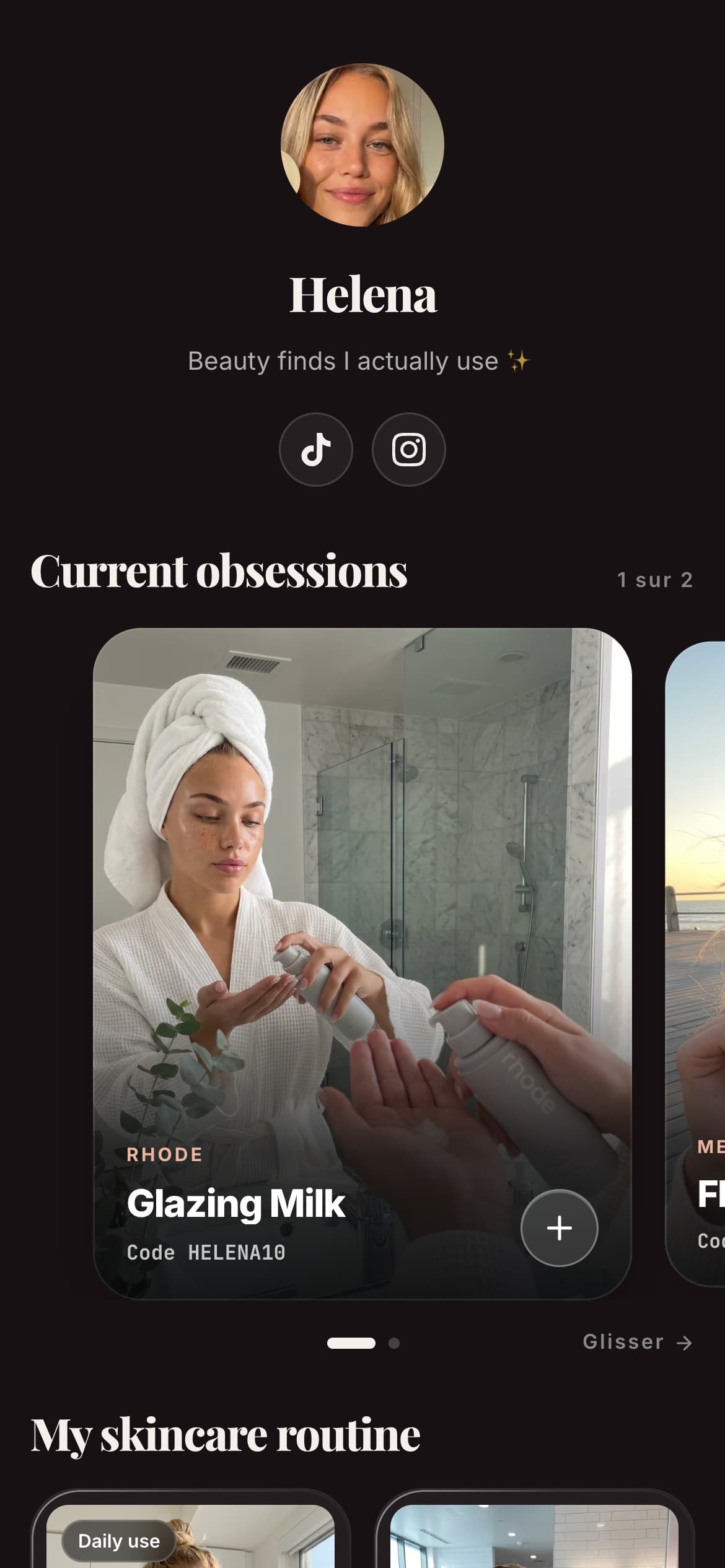
Helena
Beauty & Lifestyle
My favourite
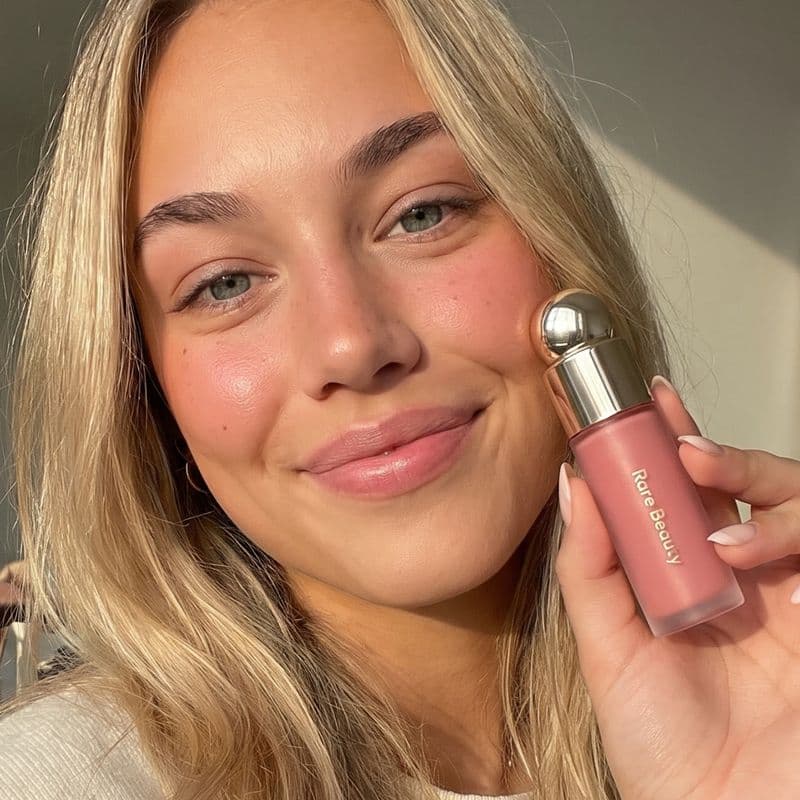
Rare Beauty
Soft Pinch Blush
« My holy grail »
My skincare routine

Hella
Grapefruit

Aesop
Mandarin

Dosage
Coffee
My essentials


Poll
Your skincare routine?
Spotilink deliberately shows clicks, never who clicked and never a sales figure. That's the honest answer to this whole question: you get anonymous counts, per card, so you can act on them. The free plan includes basic click stats on up to 10 cards plus a custom URL, and it keeps the small "Made with Spotilink" watermark. The Creator plan (see the pricing) adds advanced insights (click-through rate, conversion trends, monthly growth), unlimited cards, and removes the watermark.
One thing Instagram does show: aggregate audience data
It's worth separating "who clicked" from a related but different thing Instagram Insights genuinely offers: aggregate audience breakdowns. A professional account can see the rough age range, gender split and top locations of its followers, along with how many accounts it reached that week, and how many of those were non-followers. That's useful data for understanding your audience as a group.
The key word is aggregate. Knowing that 62% of your followers are 18 to 34 and mostly based in France tells you something about who you're generally talking to. It never tells you that the specific person who tapped your bio link yesterday was one of them. Instagram draws a hard line between offering the first and refusing the second.
What about clicks on Story link stickers?
Bio links aren't the only place Instagram counts taps. If you post a link sticker in a Story on a business or creator account, that story's Insights show how many people tapped it, a per-story number rather than a running bio total. It's genuinely useful for judging which piece of content drove interest, since you can tie the taps to a specific story.
But the same privacy rule applies: you see the count, never the identities. And once someone taps through to your link-in-bio page, per-card click stats pick up where the sticker count leaves off, telling you not just that a story drove taps, but which product those visitors were actually interested in once they arrived.
Beware apps that claim to reveal who clicked
A recurring scam targets exactly this question. Third-party apps and browser extensions periodically resurface claiming to reveal "who viewed your profile" or "who clicked your link", often with a slick screenshot and a request for your Instagram credentials. None of them can actually do what they claim, because the data simply isn't exposed by Instagram's platform to any outside app.
What they can do is harvest your login details, or push you through a chain of surveys that leads nowhere. Instagram blocks this category of app repeatedly, and it keeps reappearing under new names because "who's looking at me?" is a compelling hook.
The safe rule is short: no legitimate tool ever needs your Instagram password to count clicks. A real link-in-bio tool tracks taps on its own page, the one your bio link points to, without touching your Instagram account at all. One sign gives these apps away before you connect anything: they ask you to log in through a third-party page rather than Instagram's own login flow. If you've already connected one, revoke its access from your Instagram account settings, in the section that lists the apps and websites you've connected, and change your password if you typed it into the app rather than Instagram's own screen.
In short
Nobody sees who clicked, in either direction. As a creator, Instagram never hands you an identity, and no legitimate tool can either. As a visitor, tapping someone's bio link sends them no notification and no name, only an anonymous +1 in a total. What is available is the count: an aggregate total from Instagram's own Insights, or a per-product breakdown if your bio link points to a page built to track it. If you're recommending more than one product, that second number is the one that tells you what's working, set one up for free and you'll see per-card counts on your very first cards. For what the phrase "link in bio" even means before you build one, start with our definition guide, or the full link in bio guide.