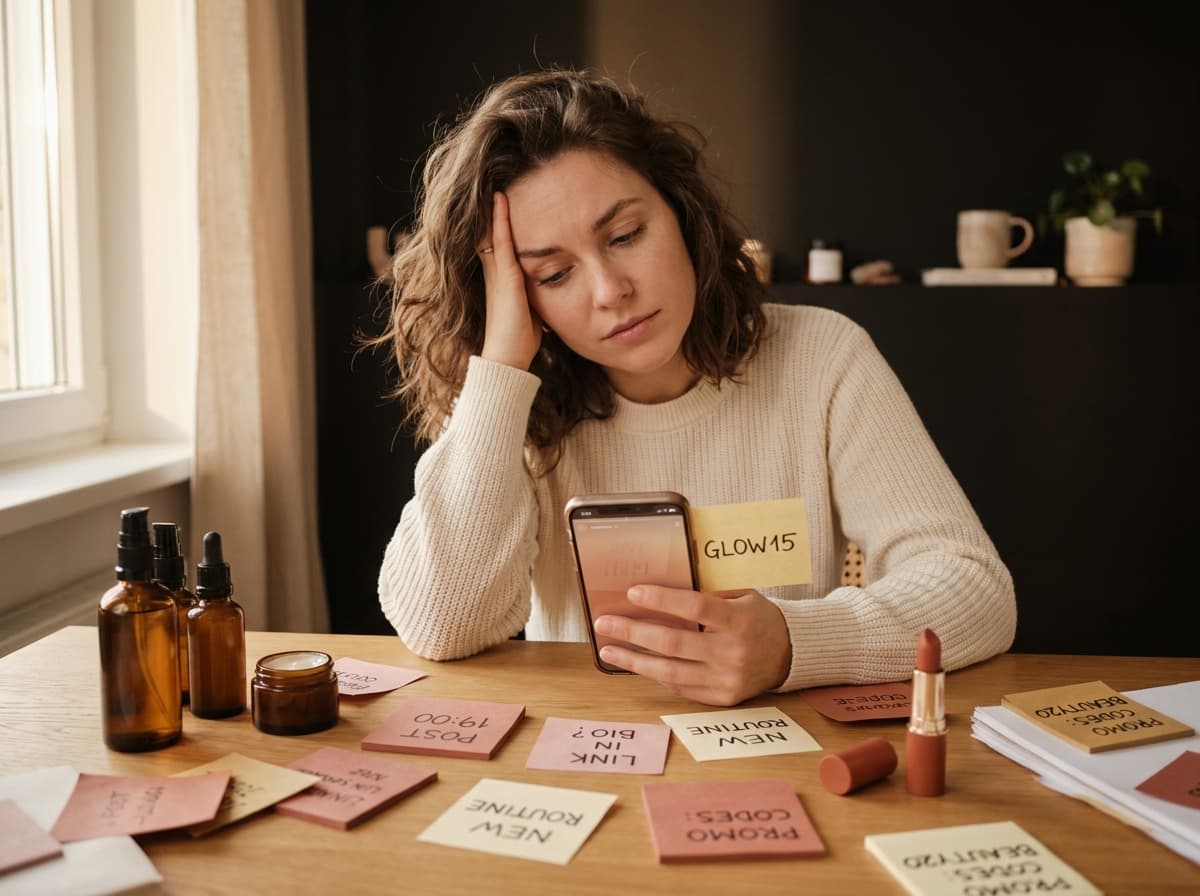
If you searched add link in bio Instagram, here is the two minute version. Open your profile, tap "Edit profile", paste your URL into the "Website" field, then save. The link becomes clickable right under your bio. Here are the details (and what link in bio means if the term is new), then how to make it genuinely profitable.
Adding a link to your Instagram bio, step by step
- Go to your profile and tap "Edit profile" (full walkthrough: edit your Instagram bio).
- Find the "Website" field (sometimes named "Links").
- Paste your full URL, making sure to start with
https://. - Save ("Save" button or the checkmark in the top right).
Done: your link appears clickable under your bio. Whether you call it a clickable link, an Instagram bio link or a link in the bio, it's exactly the same thing. The same principle works on TikTok, we explain it in how to put a link in bio on TikTok.
The "Links" field: several links since 2023
Since 2023, Instagram has evolved the "Website" field into a "Links" field that accepts up to five external links. On paper, that's progress. In practice, it stays limited: only the first link shows prominently under your bio, the others hide behind a "+". You can't illustrate them, add context to them, or see who clicks on what.
That's why most creators still point this field to a single link-in-bio page: it displays all your links clearly, with a real layout, where Instagram's native field stays rudimentary.
Personal or professional account: does it change anything?
Good news: you can add a clickable link to your bio whether your account is personal or professional. The "Website" / "Links" field is available in both cases. Switching to a professional account (free, in the settings) doesn't unlock the link, it mainly gives you access to stats, pro tools and contact options. For the simple act of adding a link, the account type doesn't matter at all. Those stats stay aggregate, by the way: Instagram never shows who clicked your bio link, only totals.
Where a link can actually be clickable on Instagram
The bio field is the one everybody knows, but it isn't the only place a link can live, and knowing the difference saves you from pasting URLs where nobody can tap them.
- The bio "Website" / "Links" field. The only permanent, always-visible clickable link on your profile. Available on every account, no follower minimum. This is your main door.
- The link sticker in Stories. Add a link to any story from the sticker tray. It used to be reserved for large accounts back in the swipe-up era; that restriction is gone, and any account can use it. The catch is the shelf life: your story disappears after 24 hours, and the link with it, unless you pin the story to a highlight.
- Post captions and Reels. You can type a URL, but Instagram will not make it tappable. It renders as plain text, so the reader has to memorize it or leave the app to type it. This is the single most common mistake, and it silently wastes the traffic your best post generated.
- DMs. Links sent in a direct message are clickable. Useful for a one-to-one answer, useless for scale.
Read that list again and the strategy writes itself. Your content lives in posts and Reels, where no link works. Your link lives in the bio, where it always works. So every caption ends up saying some version of "link in bio", because that is the only bridge the platform allows between the two.
Which is exactly why that single bio link carries so much weight: it is the destination for all of your content, not just the latest post. Pointing it at one product page wastes it. Pointing it at a page that holds everything you recommend means the caption of any post, old or new, still leads somewhere useful.
Why you only get one link
Instagram only leaves you one "Website" field. If you sell affiliate products, recommend several brands or have a store and a blog, a single link isn't enough. The solution isn't to change your link every day, but to put up a page that gathers all your links behind that single URL.
Best practice: point your single "Website" field to your link-in-bio page. You change the page's content whenever you want, without ever touching your Instagram profile again.
How to make this link profitable
A naked link to your site or a product barely converts: your audience doesn't know what to do with it. What turns a click into a sale is a recommendation storefront: one card per product with your photo, your honest take and your promo code in one click.
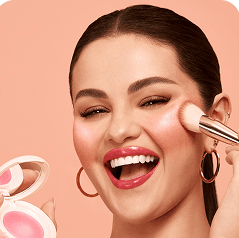 -10%
-10%Rare Beauty
Soft Pinch Blush
“My must-have blush: one swipe and it lasts all day.”
If you do beauty, you recommend your serums and your palettes. If you're in lifestyle, it's your favorite brands. In tech, your gadgets of the moment. Each of your recs becomes a card: your photo, your take, your promo code, all in one click for your audience.
This is exactly what you build with Spotilink, your link-in-bio page: you compose your cards by hand, tidy them into sections, and everything lives behind the single link you paste into your Instagram bio, with no commission on your affiliate links (5% + fees for collabs via Spotilink secure payment).

Helena Yung
Beauty & Lifestyle
My favourite
Rare Beauty
Soft Pinch Blush
« My holy grail »
My skincare routine
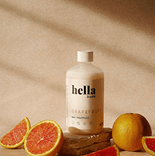
Hella
Grapefruit
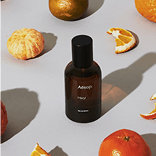
Aesop
Mandarin
Dosage
Coffee
My essentials


Poll
Your skincare routine?
Your link isn't showing or isn't clickable?
If your link stays as non-clickable text, or doesn't appear, check a few points:
- The URL is complete: it must start with
https://. Without that, Instagram doesn't recognize it as a link. - You put it in the "Website" / "Links" field, not in the "Bio" field. A link typed in the bio text is never clickable.
- You saved it: make sure to tap "Save" or the checkmark before leaving.
- The app is up to date: an outdated Instagram can display the field poorly. Update it and restart the app.
- The domain isn't blocked: Instagram occasionally refuses links it has flagged, which happens most often with free URL shorteners that spammers also use. If your link saves but never opens, try the destination's full address instead of a shortened one, or a domain you control.
Worth knowing: the hashtags and @mentions you write in the bio text do become clickable, but they point to Instagram, not to an external site. That's also why a link-in-bio page on a real domain is steadier than a shortener: it's a normal web address, and you can change what sits behind it without ever touching your profile.
Write the line that makes people tap
The link is only half the job. The line sitting right above it decides whether anyone bothers, and most bios waste it on a job title.
Two things reliably work. Say what's behind the link, not what the link is: "my skincare routine, codes included" beats "my links". And point at it, because the tap target isn't obvious to everyone: a simple arrow down, or the word "below", removes the ambiguity on a screen where half your visitors are new.
Keep it in the present tense and specific. "Today's find" ages badly if you update monthly; "everything I recommend" stays true whatever you add later.
Adding your link from a computer
No phone needed: go to instagram.com, log in, open your profile and click "Edit profile". You'll find the "Website" field to paste your URL into, then save. Handy for copy-pasting a long address without making a mistake.
Going further
Want to understand the whole logic of a link-in-bio page that converts (sections, cards, promo codes, stats)? We've gathered it all in the link-in-bio guide.
Ready to turn this single link into a storefront that earns you money? Create your Spotilink page for free in 15 minutes and start monetizing your recs, 0% commission on your affiliate marketing.