You do not need a paid tool for this: a WhatsApp link is a short web address you can build yourself in about 30 seconds, or with the free generator just below. A WhatsApp link (the wa.me format) lets anyone open a chat with you in one tap, without saving your number first. This guide shows you the exact format, how to add a message that is already written when someone clicks, where to place the link, and how to keep it alongside the rest of your links instead of losing it among plain profile links.
WhatsApp link generator
Fill in the three fields, check the address that appears, and copy it.
Nothing is sent anywhere: the address is assembled in your browser as you type, and the button copies the finished text so you can paste it.
What a WhatsApp link (wa.me) is and why creators use it
A WhatsApp link is a normal web address that opens a WhatsApp conversation with a specific number. It looks like this:
https://wa.me/15551234567
Tap it on a phone and WhatsApp opens a fresh chat with that number, ready to type. The person clicking does not have to add you to their contacts, copy your number, or search for you. That single tap is why creators use it: it removes every step between "I want to message this person" and the message box.
For a content creator, that matters in a few concrete situations. You might take brand enquiries or collaboration requests over WhatsApp and want a clean link to hand out. You might run a close-friends broadcast or a small community and want new followers to reach you directly. Or you might simply prefer WhatsApp to Instagram DMs for anything serious. In each case, a wa.me link turns "DM me" into a button.
The format is free and official, so you never need to pay for a "generator". A generator tool just fills in the same URL for you. Once you understand the three moving parts, building it by hand is faster than searching for a tool.
How to create your WhatsApp link in 3 steps
Here is the whole thing, start to finish.
1. Put your number in international format
Drop the leading 0 and put your country code in front, with no spaces, no +, and no dashes. A US number (555) 123-4567 becomes 15551234567. A UK number 07123 456789 becomes 447123456789. A French number 06 12 34 56 78 becomes 33612345678. The country code is the only prefix you keep.
2. Build the base wa.me link
Paste that clean number straight after https://wa.me/:
https://wa.me/15551234567
That is a working WhatsApp link already. You can stop here if you just want people to reach you with no message pre-written.
3. Add a pre-filled message (optional)
If you want a message to appear already typed when someone clicks, add ?text= followed by your message, with spaces written as %20:
https://wa.me/15551234567?text=Hi%2C%20I%20found%20you%20from%20your%20bio
When they tap, "Hi, I found you from your bio" is sitting in the message box, and they just press send. Always open the finished link from your own phone once to confirm it launches the right chat with the right text.
Common country codes for your wa.me link
The country code is the one part of the format that trips people up if they have never dialled internationally before. Here is the same "drop the leading 0, no plus sign, no spaces" rule applied to the countries Spotilink creators message most often:
| Country | Code | Local number example | Number for your wa.me link |
|---|---|---|---|
| United States / Canada | +1 | (555) 123-4567 | 15551234567 |
| United Kingdom | +44 | 07123 456789 | 447123456789 |
| France | +33 | 06 12 34 56 78 | 33612345678 |
| Germany | +49 | 0151 23456789 | 4915123456789 |
| Spain | +34 | 612 345 678 | 34612345678 |
| Brazil | +55 | (11) 91234-5678 | 5511912345678 |
| India | +91 | 98765 43210 | 919876543210 |
Whichever country you are in, the pattern never changes: drop the leading 0 from your local number, put the country code in front with no +, no spaces and no dashes, then paste the whole thing after https://wa.me/. If you are not sure of your own country code, search "[your country] country code" or open your phone's contacts app and add a new international contact, it will show you the code as you type.
Add a pre-filled message the right way
The pre-filled message is the part people get wrong, because a chat URL cannot contain raw spaces or punctuation. Those characters have to be "encoded".
The two rules that cover most cases: replace every space with %20 (a + also works in this field), and replace a comma with %2C. So "Hi, I have a question" becomes Hi%2C%20I%20have%20a%20question. If you would rather not encode by hand, type your message into any free "URL encoder" and paste the result after ?text=.
A good pre-filled message does two jobs: it tells you where the person came from ("I found you from your TikTok bio") and it lowers the friction of the first message so more people actually send it. Keep it short and warm, you are opening a conversation, not writing a form.
Your wa.me link doesn't open a chat? Here's why
A wa.me link that fails is almost always a formatting problem, not a WhatsApp problem. Before assuming something is broken, check these four things in order:
- The country code is missing or wrong. This is the single most common cause. If you paste your local number straight after
https://wa.me/without a country code in front, WhatsApp cannot find the right country and the link either fails or opens the wrong contact. Compare your number against the table above and make sure the code matches where the number is actually registered, not where you happen to live. - A stray
+, space, or dash survived. It is easy to copy a number straight from your contacts app and paste it in without cleaning it up.+1 (555) 123-4567will not work, only the digits do:15551234567. Read the number back character by character if a link refuses to open. - The number is not on WhatsApp. The
wa.meformat only opens a chat if that exact number has an active WhatsApp account. A landline, an old number you no longer use, or a typo in a single digit will all fail silently, WhatsApp just cannot start a conversation with a number that is not registered. - The message is not encoded. If you hand-typed a
?text=parameter with real spaces, commas, or accented characters instead of their encoded form (%20,%2C, and so on), most browsers will either drop the message or mangle it. Run your message through a free URL encoder rather than typing the encoding by hand if it contains anything beyond plain words.
The fastest way to catch any of these is the same advice as building the link in the first place: open it from your own phone before you publish it anywhere. If it opens a chat with the right number and the right pre-filled text, you are done.
Where to put your WhatsApp link
Once your link works, it needs a home. The obvious spots each have a catch.
- Instagram bio. Add the
wa.melink under Edit profile > Links > Add external link. The catch: per Instagram's help center (October 2026), the profile holds up to five links, and they show as plain URLs with no label or design. So if your WhatsApp link goes there, nothing else can. - TikTok bio. Per TikTok's help center, the link in bio needs at least 1,000 followers or a verified Business account. Below that, the link can sit as plain, non-clickable text.
- Your website or newsletter. Anywhere you can add a normal link, a
wa.melink works, including a button that says "Message me on WhatsApp".
The recurring problem is the same everywhere: your profile gives you a handful of plain links, and your WhatsApp link is rarely the only thing you want people to reach. That is exactly what a link-in-bio page solves.
What a "WhatsApp link generator" actually does
If you search for a WhatsApp link generator, you will find plenty of free web tools with a number field and a message field, like the one at the top of this page. They are genuinely convenient, but it is worth knowing what they do: they take your number and message and assemble the exact wa.me/NUMBER?text=... URL you just learned to build. Some also draw a QR code from it, which is handy for print or a market stall.
None of that requires an account, and none of it should ask for your WhatsApp password, no legitimate tool needs it, since the link is just public URL formatting. If a "generator" asks you to log in with your WhatsApp or phone credentials to "activate" the link, close the tab. The safe version is the one you can read and understand: https://wa.me/ plus your number.
WhatsApp is not your only link: centralise everything on your link-in-bio page
Here is the real fix for the one-slot problem. Instead of choosing between your WhatsApp link, your affiliate recommendations, and everything else, you point your single bio link at one page that holds all of them.
| Where the link lives | Other links alongside it | Click stats | Recommendation cards |
|---|---|---|---|
| Spotilink link-in-bio pageOur tool | Yes, all of them on one page | Yes, per link and per card, free | Yes, hand-made, no price |
| Raw wa.me link in your profile links | No, it takes one of your profile links | No | No |
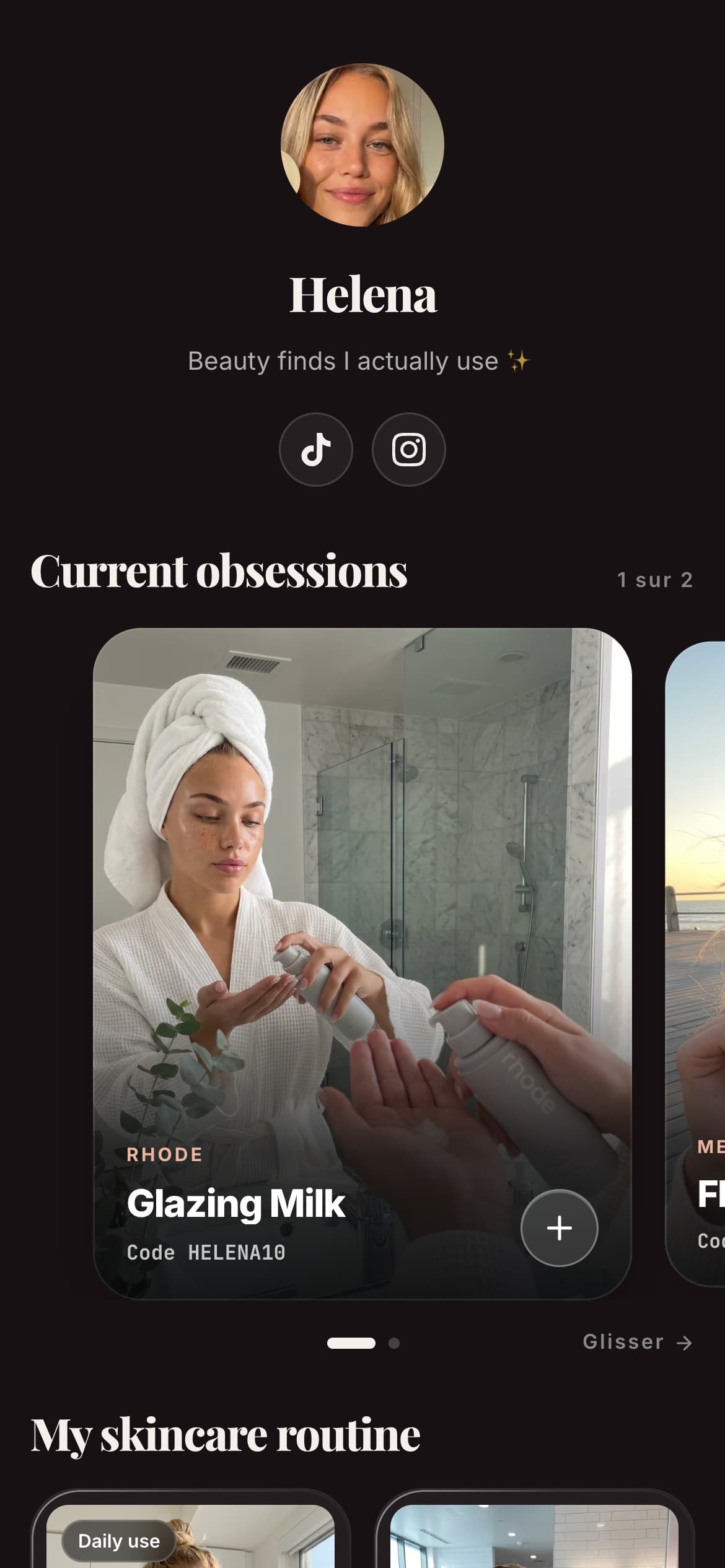
On a Spotilink page, your WhatsApp link is one button among your recommendation cards. Each card is something you build by hand: your own photo, your honest take, a promo code, and your affiliate link behind a clear "Learn more" button, deliberately with no price, so the card's job is to earn a qualified click to the merchant. Your WhatsApp button and your product cards live behind the same single bio link, and each one counts its own clicks so you can see what your audience actually taps.

Helena
Beauty & Lifestyle
My favourite
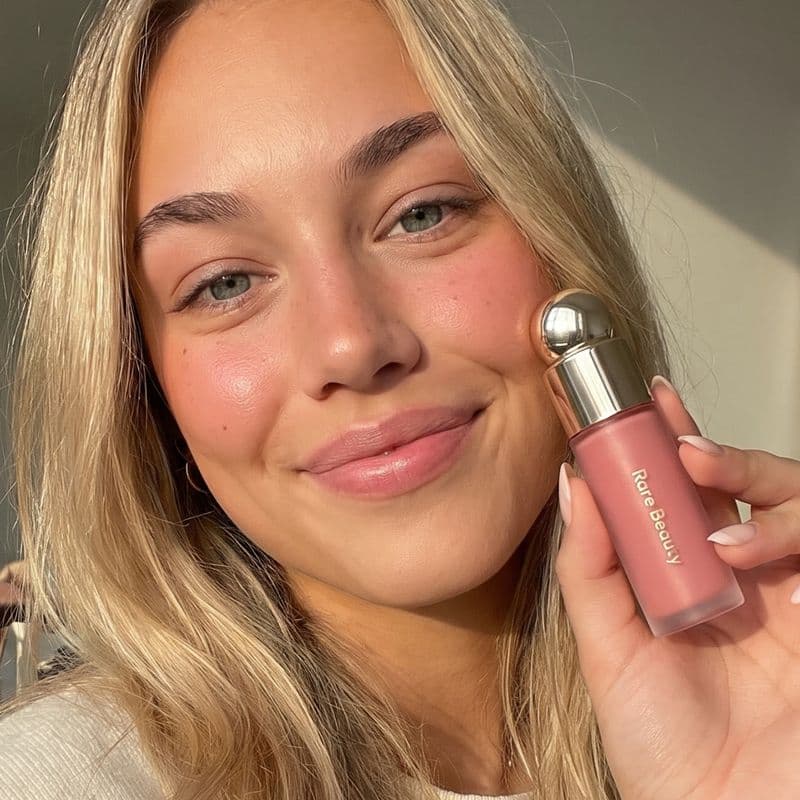
Rare Beauty
Soft Pinch Blush
« My holy grail »
My skincare routine
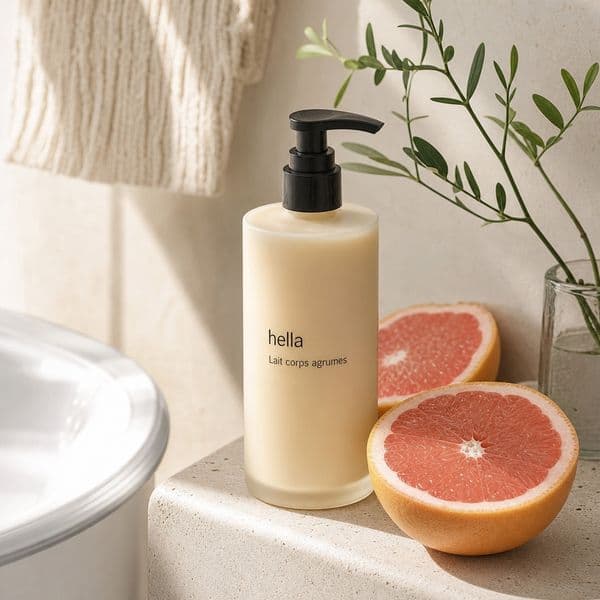
Hella
Grapefruit
Aesop
Mandarin
Dosage
Coffee
My essentials


Poll
Your skincare routine?
Spotilink shows you clicks, never who clicked and never a sales figure, on your WhatsApp button and on every card. The free plan includes up to 10 cards, a custom URL, and basic click stats, and it keeps the small "Made with Spotilink" watermark. The Creator plan (see the pricing) removes the watermark and adds unlimited cards plus advanced insights. Either way, Spotilink takes 0% of your affiliate earnings.
In short
A WhatsApp link is just https://wa.me/ followed by your number in international format, with an optional ?text= message on the end. It is free, works from any phone without saving the number, and takes about 30 seconds to build by hand, no generator or account required. The only real limitation is that Instagram profile links (up to 5) show as plain URLs, so the smart move is to put your WhatsApp link on a link-in-bio page alongside your recommendations rather than leaving it as one more bare URL. If you are still setting the bio link itself, here is how to add a link in your Instagram bio and how to do it on TikTok, or start with the full link in bio guide.