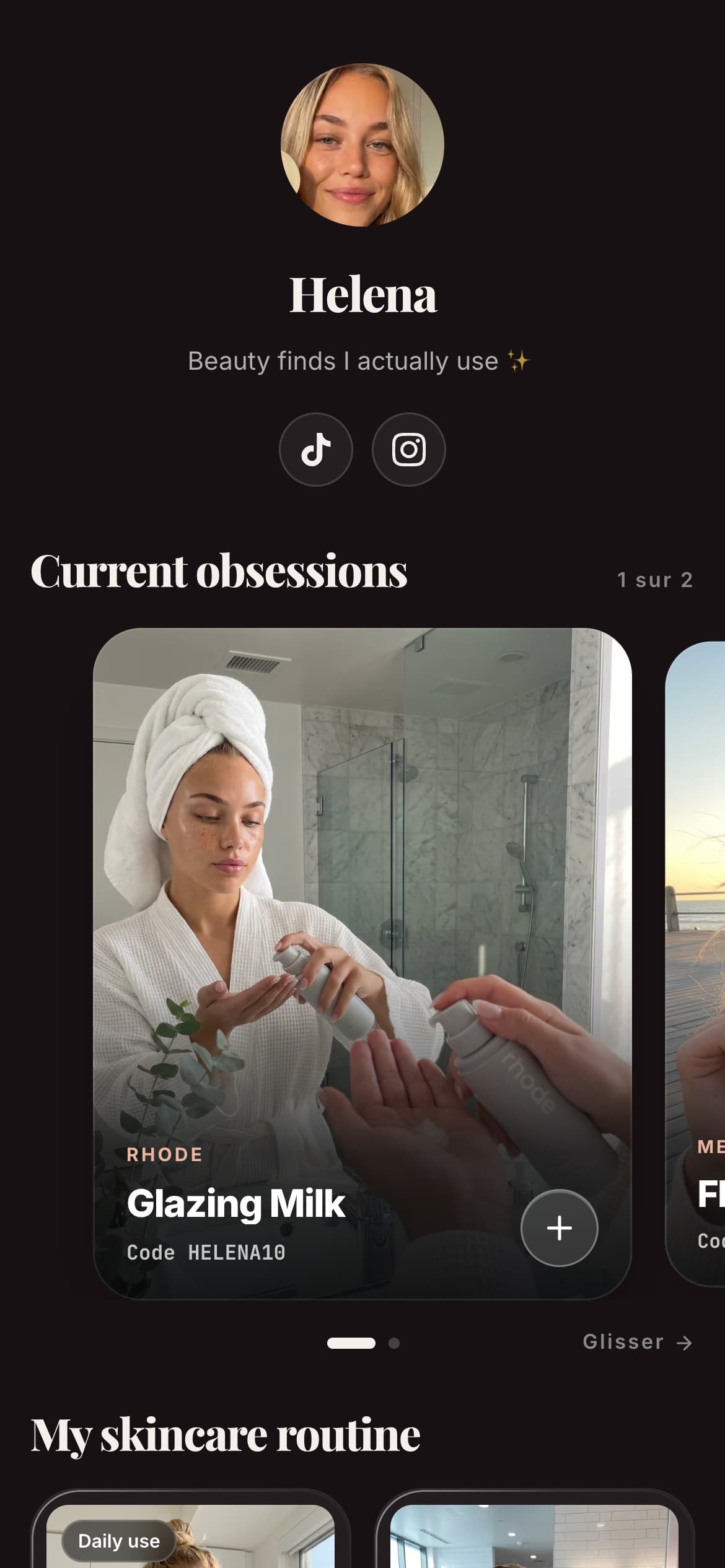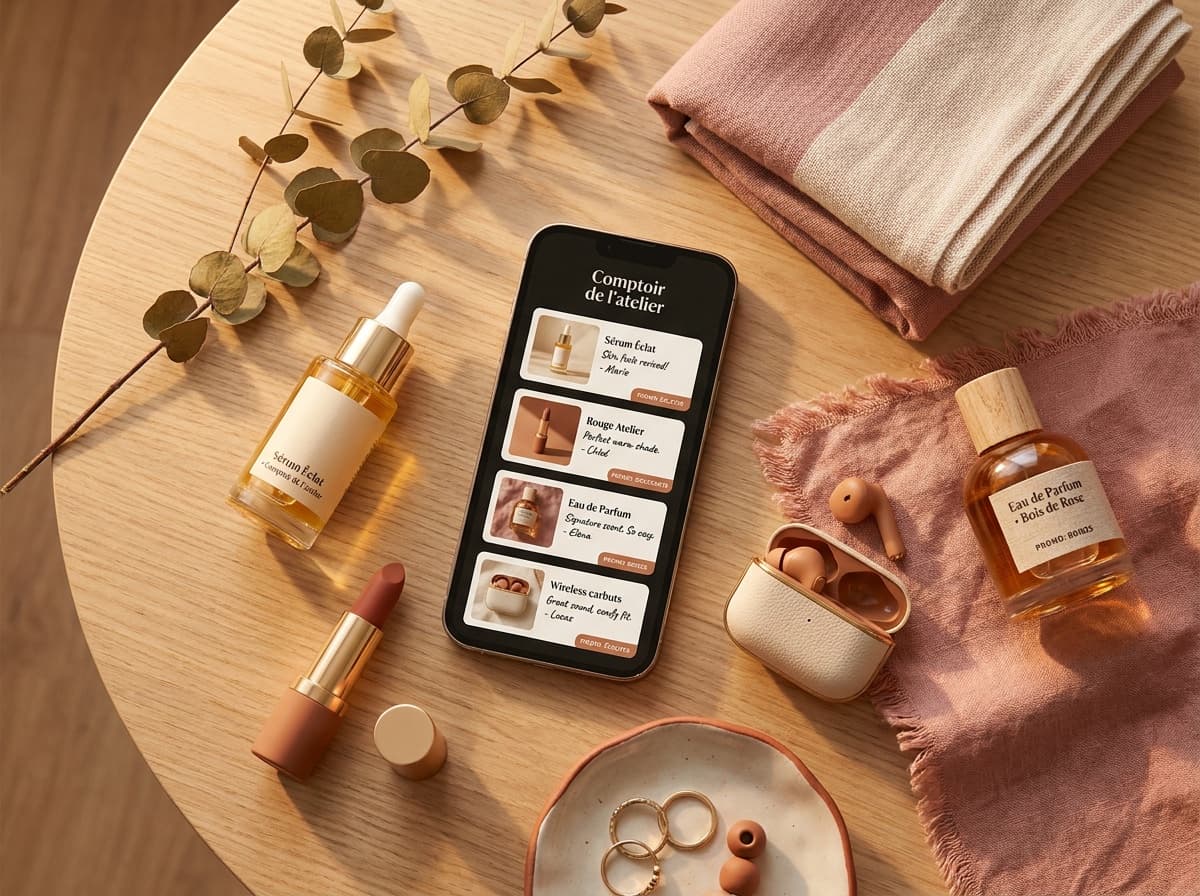
Here is how to make a Linktree in about five minutes: create an account, add your links, pick a theme, then paste your new URL into your bio. Here's the full walkthrough, what the free plan actually gives you, and why some creators who sell through affiliate links end up switching the format entirely.
What is a Linktree, and what does "making one" actually involve?
A Linktree is a single page that sits behind the link in your Instagram or TikTok bio. Instagram's profile can hold up to 5 links, but they show as plain URLs, with no image, description or analytics. Instead of picking just one destination, that page fans out to several: your shop, your latest video, your other accounts, whatever you want a visitor to reach next. "Making one" really means three things: an account, a set of links, and a look. None of it requires code or a website of your own.
How to create a Linktree in 5 minutes, step by step
The button and menu labels below are the ones Linktree's own help centre uses, as read on October 28, 2026: How to create your first Linktree, How to create a link, How to customize your Linktree design and Sharing your Linktree. Linktree renames things now and then, so if a label has moved, look for the closest match.
- Create your account. Go to
linktr.ee/register, or sign up in the Linktree app for iOS or Android, and select Sign up. Enter your email address (check it for typos, you'll need it to verify your account), then choose a username: it becomes your public URL,linktr.ee/yourusername. - Choose the free plan. When you're asked to select a plan, the free one is enough to start (here's what the free plan includes). Then follow the prompts to add your first links and pick a theme; you can change both later.
- Add your links. From My Linktree, select Edit, then + Add in the Links tab. Enter the URL, then a Title, which is the text that appears on the button ("My Sephora code", "Latest video"…). You can add a thumbnail and choose a Classic or Featured layout. Repeat for every link you want visible.
- Pick your design. From My Linktree, select Edit, then Design. Set your Theme, your Header (profile image, title and bio), Wallpaper, Buttons and Text, check the preview (on the right on desktop, above the design menu on mobile), then select Save. An image or video wallpaper needs a Pro or Premium plan; a background color is fine on free.
- Copy your URL and share it in your bio. On the Links page under My Linktree, select Share, then Copy next to your URL. The same menu has My Linktree QR code, a free QR code you can download as a PNG or SVG for a flyer, a story or a physical product. Then add it to your profile: on Instagram, Edit profile > Links > Add external link, then Done; on TikTok, Edit profile, then next to Links, tap Add. The link becomes tappable under your bio.
That's a working page, live in a few minutes.
How to add your Linktree to Instagram and TikTok
Creating the page is only half the job, you still have to make it clickable in your bio.
On Instagram: open your profile, tap Edit profile, then Links and Add external link, paste your Linktree URL, and tap Done (Instagram's help center, October 2026). It becomes a tappable link under your bio.
On TikTok: go to Edit profile, next to Links tap Add, and paste your Linktree URL. Per TikTok's help center, the link in bio needs at least 1,000 followers or a verified Business account (Settings → Account); otherwise paste the URL as plain text for now.
The upside of one page for both networks: whenever you add or reorder links inside Linktree, your bio link stays the same, so you never touch your profile again.
Your Linktree link won't work on TikTok?
This is the most common snag, and it's almost never Linktree's fault. TikTok gates the clickable bio link, so the field you need to paste into may simply not exist on your account yet.
There are two ways to unlock it, and either is enough:
- Switch to a Business account, free, in Settings and privacy then Account. With a verified account, it opens the Links option without the 1,000 followers. The trade-off: TikTok's Creator Rewards terms exclude Business accounts (outside the US, check the terms for your country in the app).
- Reach 1,000 followers on a personal account.
While you wait, paste the URL as plain text in your bio. It won't be tappable, but people can copy it; add the same URL next to Links once you are eligible.
If the field does exist and the link still misbehaves, check the URL starts with https://, that you actually saved, and that you added it through Links rather than the bio text. A URL typed into the bio text is never clickable on any platform.
Is Linktree free? What the free vs. paid plans cover
The free plan is real and permanent, not a limited trial. It includes unlimited links, a basic theme, your linktr.ee URL, and simple click stats. The free plan also includes basic product cards and lightweight analytics (28 days of history).
What stays behind a paid plan: removing the Linktree logo from your page (Pro), longer analytics history (28 days on Free, all time on Premium), scheduled links (from Starter), and more advanced design controls like custom designs (Pro). On Linktree's pricing page, the paid tiers showed at €6.75 a month for Starter, €15 for Pro and €32 for Premium (€5.25, €12 and €27.50 billed annually), as shown from France in euros on October 28, 2026. Linktree adapts price and currency to your country, so check the page for yours before you commit.
The catch for creators who sell: commissions and bare links
Linktree in 2026 does have product cards and free analytics
To be factual about it: Linktree isn't just a bare button list. Its free tier includes lightweight product cards and basic analytics, which closes part of the gap that pushes affiliate creators elsewhere.
Where it costs you: paid selling only from Pro, vs. 0% on your affiliate earnings
The gap that's left is the money one. If you want to sell your own product through Linktree's built-in store, the free plan won't do it. Linktree's pricing page lists digital products and courses as "free products only" on Free and Starter, and "set any price, 0% Linktree fees" on Pro and Premium, with a footnote that transaction and processing fees may apply (read October 28, 2026). Its help centre says the same: selling digital products is available on Pro and Premium, in certain countries. None of that touches your regular affiliate commissions (the cut a brand pays you for a sale), which go from the brand to you.
Spotilink takes a different position on this: it isn't a store at all. It drives clicks to your existing affiliate links, and takes 0% of your affiliate commissions, on the free plan or the paid one. There's simply no Spotilink checkout to take a cut of.
A simpler alternative: build a hand-made recommendation page instead
The format is the other half of the story. A Linktree entry is a title and a URL, useful for "here's my shop" but it doesn't explain why a specific product is worth clicking. A hand-made recommendation page swaps that button for a card: your own photo of the product, a line in your own words on why you use it, a click-to-copy promo code, and your affiliate link, deliberately with no price shown, so the card's whole job is earning a qualified click to the merchant rather than reading like a price tag.
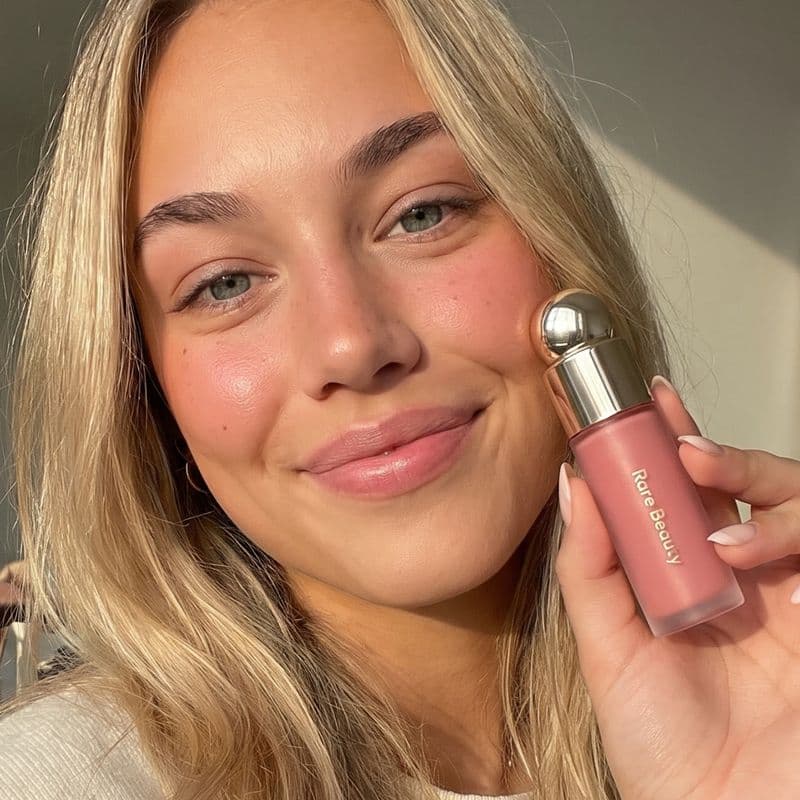 -10%
-10%Rare Beauty
Soft Pinch Blush
“My everyday blush, one sweep and it lasts all day.”
Stats on a card-based page like Spotilink's stay at clicks only, never a sales figure or a euro amount, the same honest scope as Linktree's own basic analytics, just applied to a format built for recommending rather than listing.
How to make your link-in-bio with Spotilink in 15 minutes
- Create your free account. Sign up, pick your handle, your page is live at
spotilink.bio/yourname. - Add your first product cards. For each recommendation, upload your own photo, write your take in your own words, and drop in your promo code and affiliate link.
- Group them into sections. Arrange cards under themes, "Skincare", "My go-to tech", whatever matches how you actually talk about products.
- Share your link. Paste your
spotilink.bioURL into your Instagram or TikTok bio the same way you would a Linktree URL.
The free plan gives you 10 product cards, a custom URL, and basic click stats, with a small "Created with Spotilink" watermark, the same trade-off that funds any free link-in-bio tool. The Creator plan (see the pricing) removes the watermark and unlocks unlimited cards, paid brand collabs and deeper insights (click-through rate, conversion, monthly growth).
Linktree vs. a hand-made vitrine: which should you make?
| Spotilink | Linktree | |
|---|---|---|
| Free planOur tool | Yes, generous (custom URL included) | Yes |
| Format | Photo + your words + promo code cards | Titled buttons, basic cards |
| Commission on your affiliate earnings | 0% | 0% (affiliate links untouched) |
| Selling digital products and courses through the tool | No built-in store | Free products only on Free and Starter; any price on Pro and Premium, 0% Linktree fees |
| Free page address | spotilink.bio/your-slug | linktr.ee/username |
| Where your account data is stored | In the EU (Supabase); site hosted by Vercel (US) | Check its privacy policy |
If your only need is "collect a handful of links in one place", Linktree's free plan covers that fine and there's no reason to rebuild it elsewhere. If you're recommending products, beauty, lifestyle, tech gear, with affiliate links and promo codes, a page built around cards rather than buttons is doing part of the persuading a bare title never can.
Linktree examples worth studying before you build yours
Before you fill in your own links, it helps to look at what actually works on other people's pages. A few patterns show up again and again on the Linktree examples that convert well:
- The title does the selling, not the link itself. "Shop my faves" tells a visitor nothing; "My skincare routine, 3 products I use daily" gives them a reason to tap. The best-performing pages write titles the way they'd describe the link out loud to a friend.
- Priority order matters. Whatever you most want clicked, a current promo code, your newest video, goes at the top. Attention drops fast the further a visitor scrolls, so don't bury the link that matters behind five that don't.
- The theme matches the niche, not just the brand colors. A minimal black-and-white theme reads differently to a beauty audience than a bright, playful one does. Match the visual tone to what your specific followers expect to see, not a generic default.
- Fewer, better-labeled links beat a long list. Pages with 6 to 10 clearly titled links usually out-convert pages with 20+ generic ones, a wall of similar-looking buttons makes visitors give up scanning before they find what they want.
None of that requires a paid plan, it's entirely about how you use the free tier. The same principles carry over directly if you move to a card-based format: a clear photo and an honest one-line take on why you use a product do the same job a well-written title does on a plain link.
Common mistakes to avoid when you make your Linktree
A few small errors quietly cost clicks on an otherwise fine page:
- Leaving the default title on a link. "Link 1" or a raw URL as the title gives a visitor zero reason to tap it. Rewrite every title before you publish.
- Adding every link you own. More isn't better past a point, ten well-chosen links beat twenty-five, especially on mobile where scrolling itself is friction.
- Forgetting to check it on your own phone. Preview your page from the actual bio link before you tell anyone about it, broken formatting or an unreadable theme color is easy to miss on desktop.
- Never updating it. A page that still promotes a promo code that expired three months ago erodes trust fast. Treat your bio link like any other piece of content that needs occasional upkeep.
- Picking a username you'll regret. Your
linktr.ee/usernamebecomes part of your brand the moment you share it in a bio, keep it short, consistent with your handle elsewhere, and easy to say out loud.
Start free in 15 minutes
Both routes are free to start, with no trial clock running out. Making a plain Linktree takes five minutes and does the job if you just need a hub of links. If your bio's real job is turning recommendations into affiliate clicks, building your first product cards takes about 15 minutes, and the full Linktree alternatives comparison covers the other options if you want to weigh more than one.